
Virtual Engagement
Ring Try On
AI Diamond Ring Simulator and Carat Size Visualizer
Compare engagement ring options before you buy. Preview carat size, diamond shape, and setting style on realistic hand models to choose a ring with more confidence.
Find the Perfect Ring
How Engagement Ring Try On Works
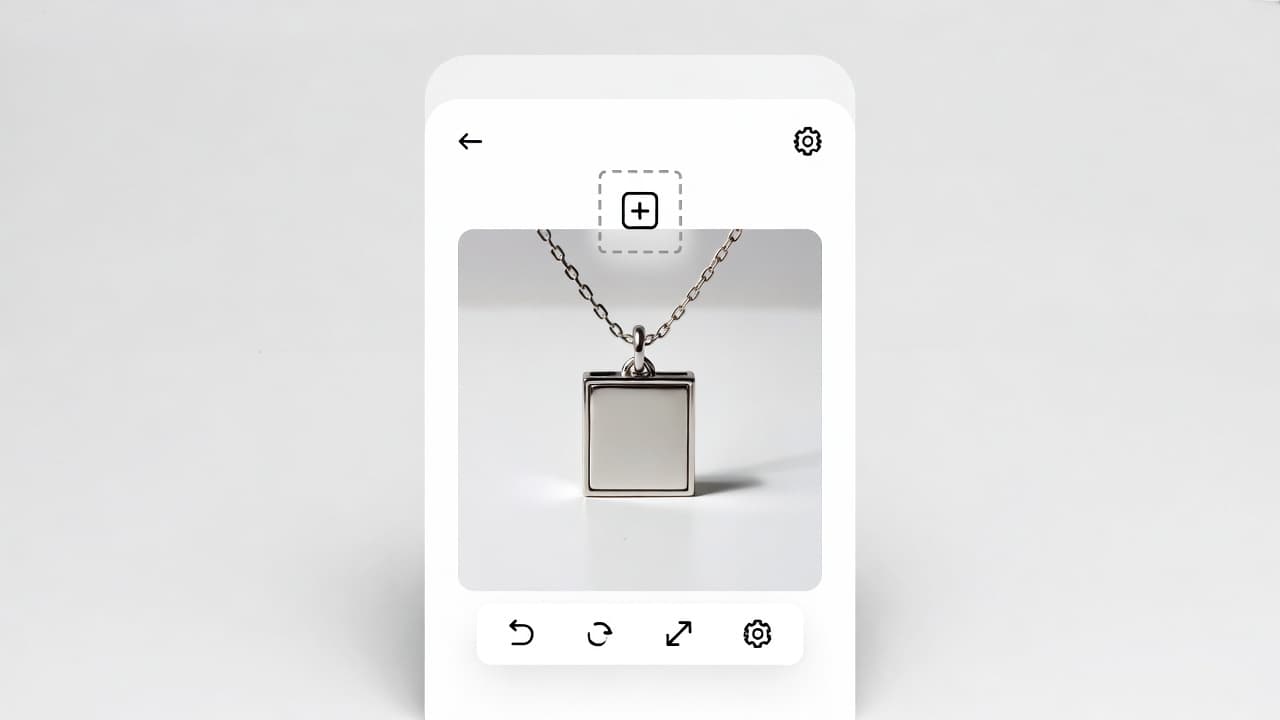
Upload Ring Image
Upload engagement ring photos from online stores, jewelers, or design mockups. AI reads stone size, shape, and setting structure.
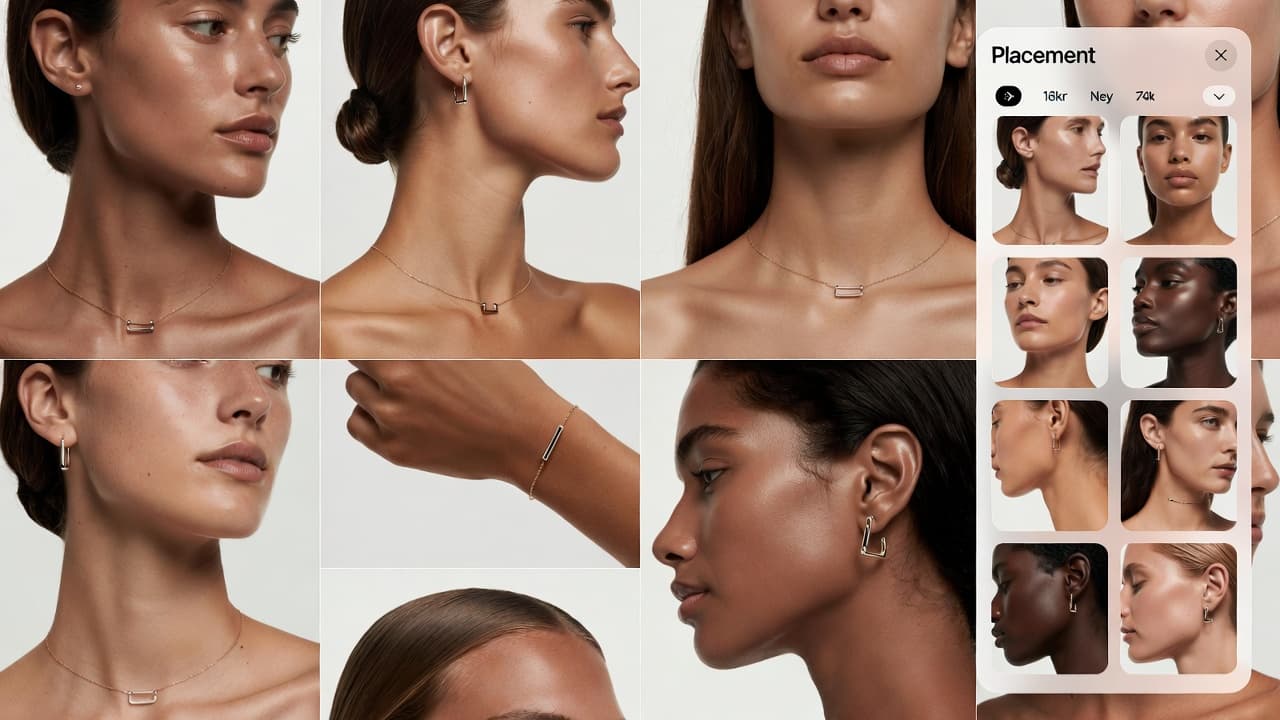
Choose Hand Model
Select hand models with different skin tones and finger proportions to compare how ring options appear in real wear scenarios.
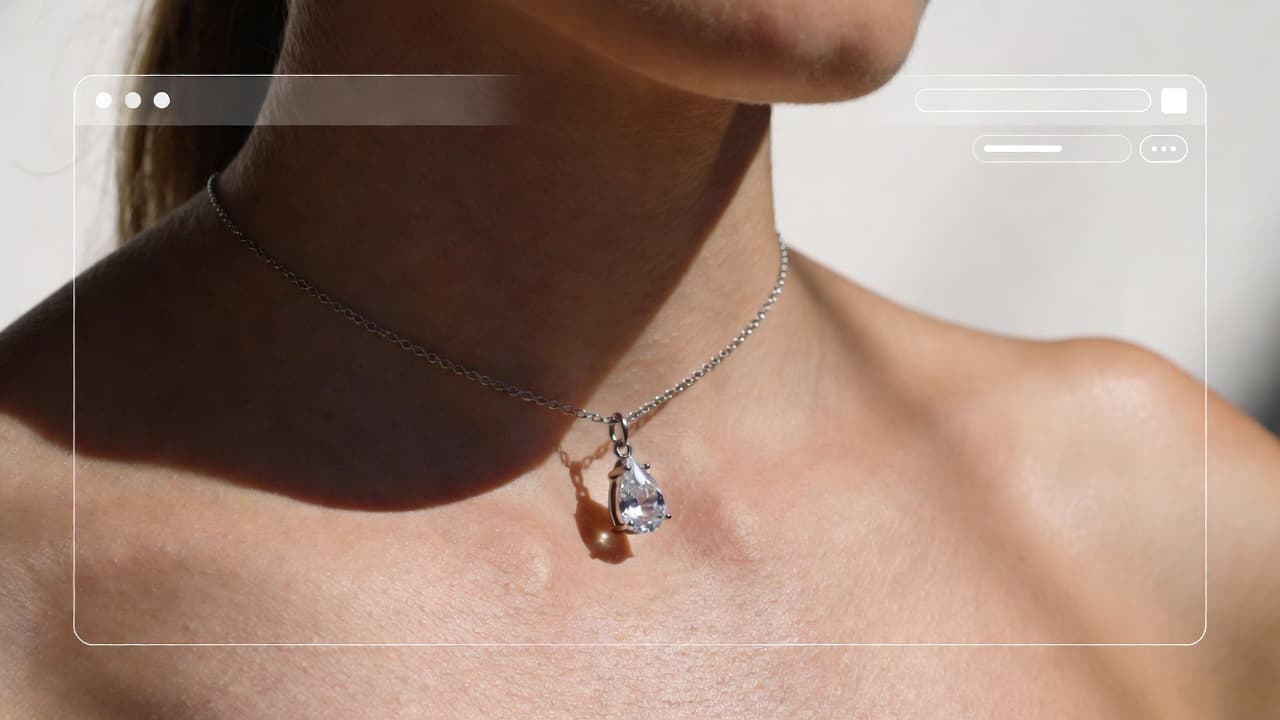
Visualize and Compare
See realistic previews with sparkle and metal reflections, then compare multiple rings side by side before deciding.
A practical way to make one of your most important jewelry purchases with more clarity.
Why Use Engagement Ring Try On?
Explore all virtual try-on tools

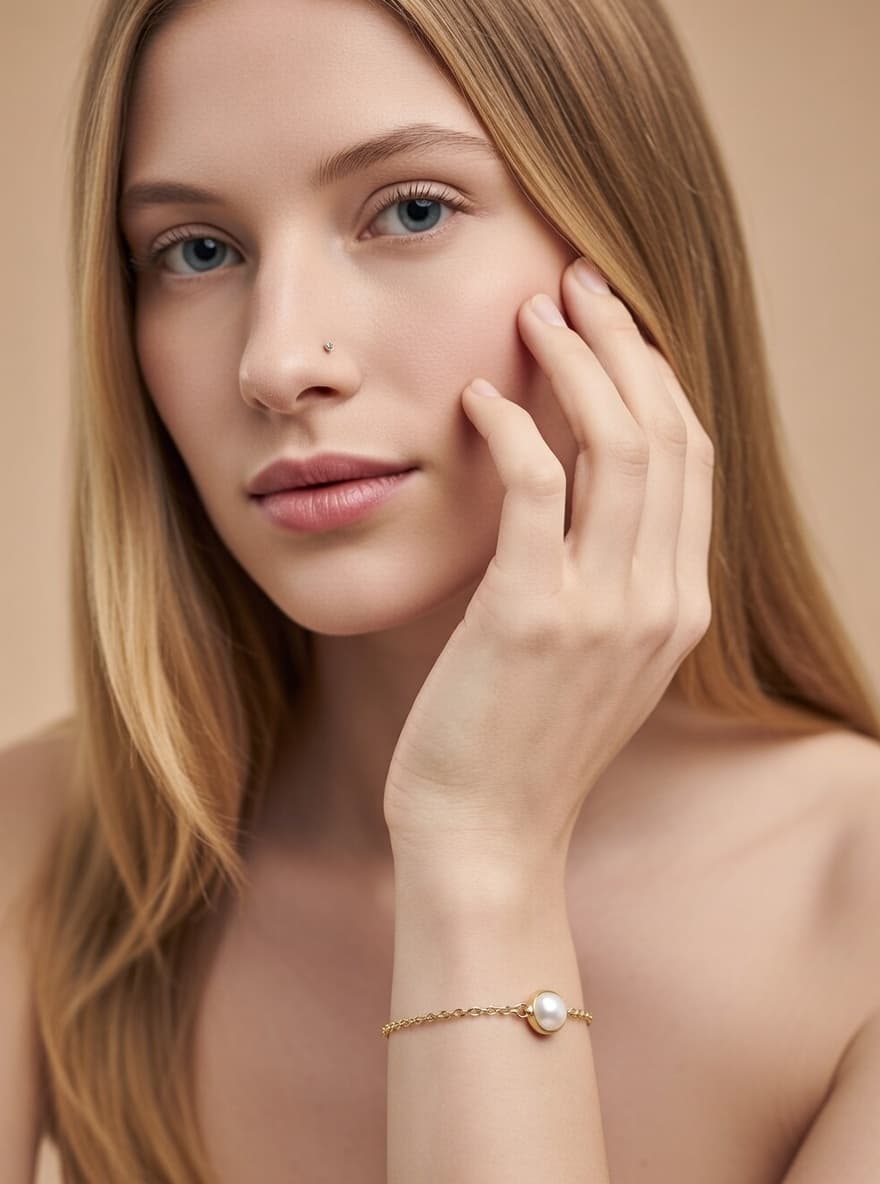
Use Cases
Engagement Ring Try On Uses
A planning tool for proposals, couples, jewelers, and online ring buyers
Proposal Planning
Compare multiple ring options ahead of the proposal to narrow down style, size impression, and overall visual balance.

Couples Shopping Together
Review options collaboratively and visualize which styles feel right on the hand that will wear the ring.

Budget Optimization
Compare nearby carat options visually to find strong value choices without relying only on specs.
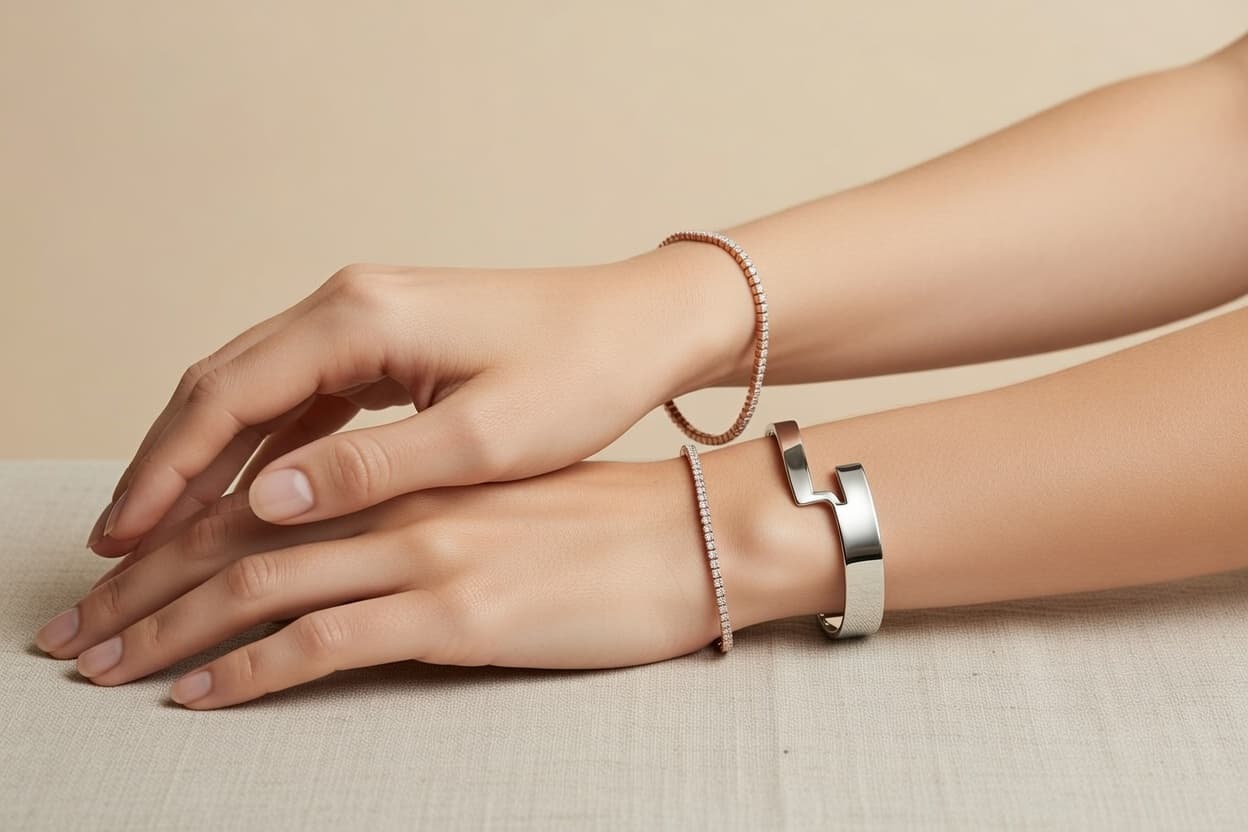
Custom Ring Design
Preview bespoke ring concepts on realistic models before final production and reduce revision cycles.
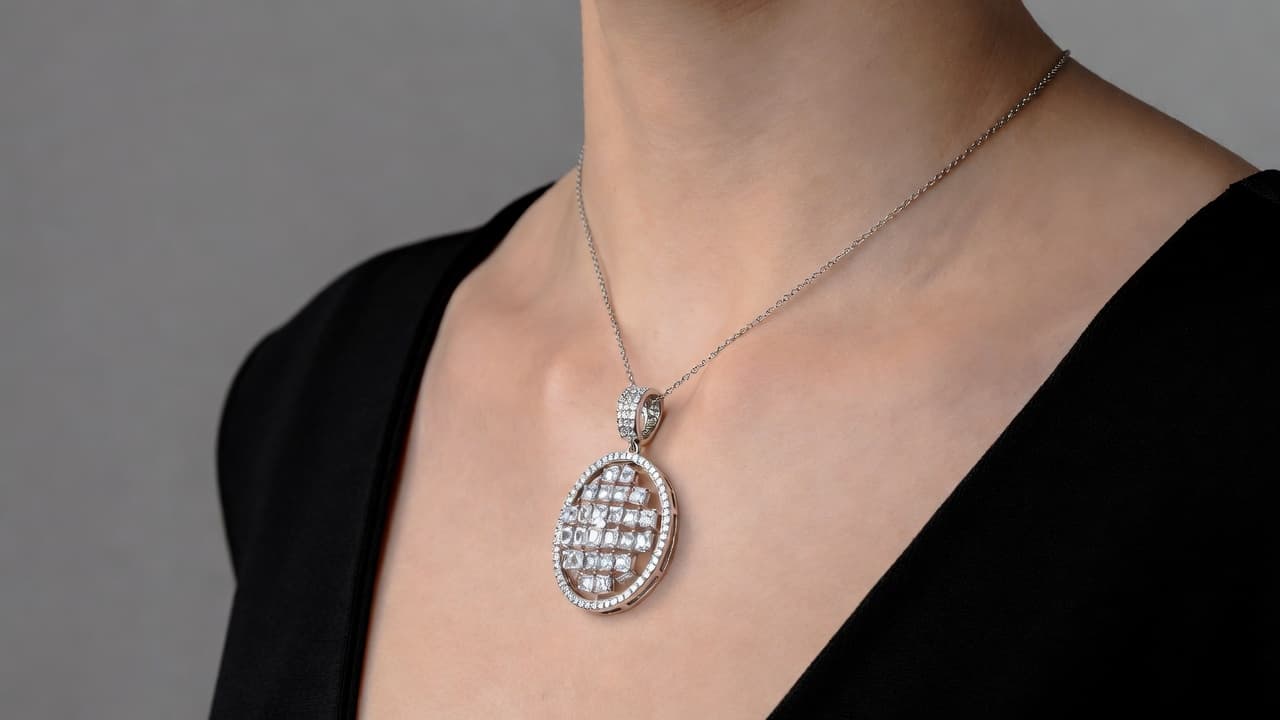
Jeweler Consultations
Bring visual references into consultations to communicate preferred shape, setting, and scale more clearly.

Online Ring Shopping
Reduce uncertainty in remote purchases by previewing fit and appearance before checkout.
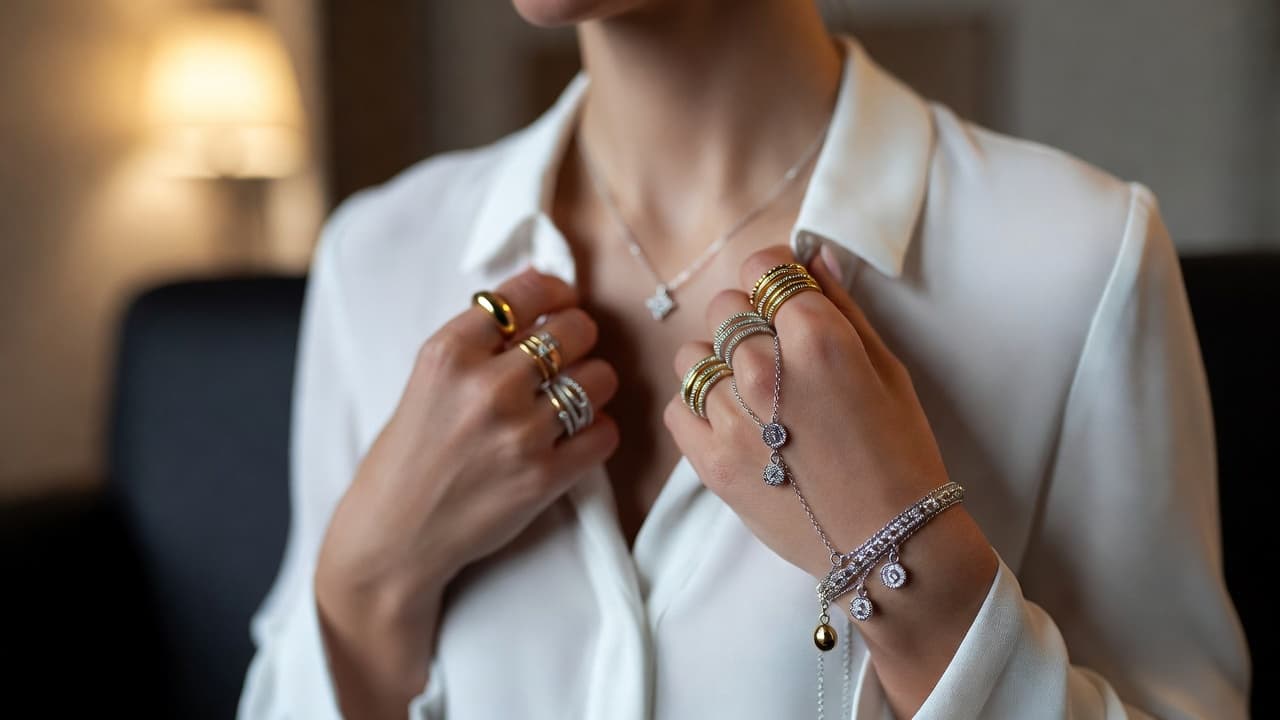
Engagement Ring FAQ
Questions about engagement ring visualization. Need more help? Contact support.
Use side-by-side previews on similar hand proportions to compare visual impact across nearby carat ranges.
Flattering shape depends on finger proportions and style preference. Visual comparison helps identify the best match.
Yes. You can compare multiple setting types on the same hand model for consistent evaluation.
Sparkle and reflection cues are designed to be realistic for visual decision support, especially with clear source images.
You can choose models with similar proportions and appearance traits to approximate real-world fit and look.
You can still compare styles privately and use model-based previews to make informed choices before purchase.
Try out related tools
Use our AI tools to generate, edit, and enhance product and marketing imagery across your workflow.