
Virtual Earring
Try On
AI-Powered Earring Visualization and Piercing Simulator
Preview studs, hoops, huggies, drops, chandeliers, and cuffs before you buy. Our AI creates realistic earring placement with natural scale and lighting so shoppers and brands can make faster decisions.
Start Trying On Earrings
How Virtual Earring Try On Works
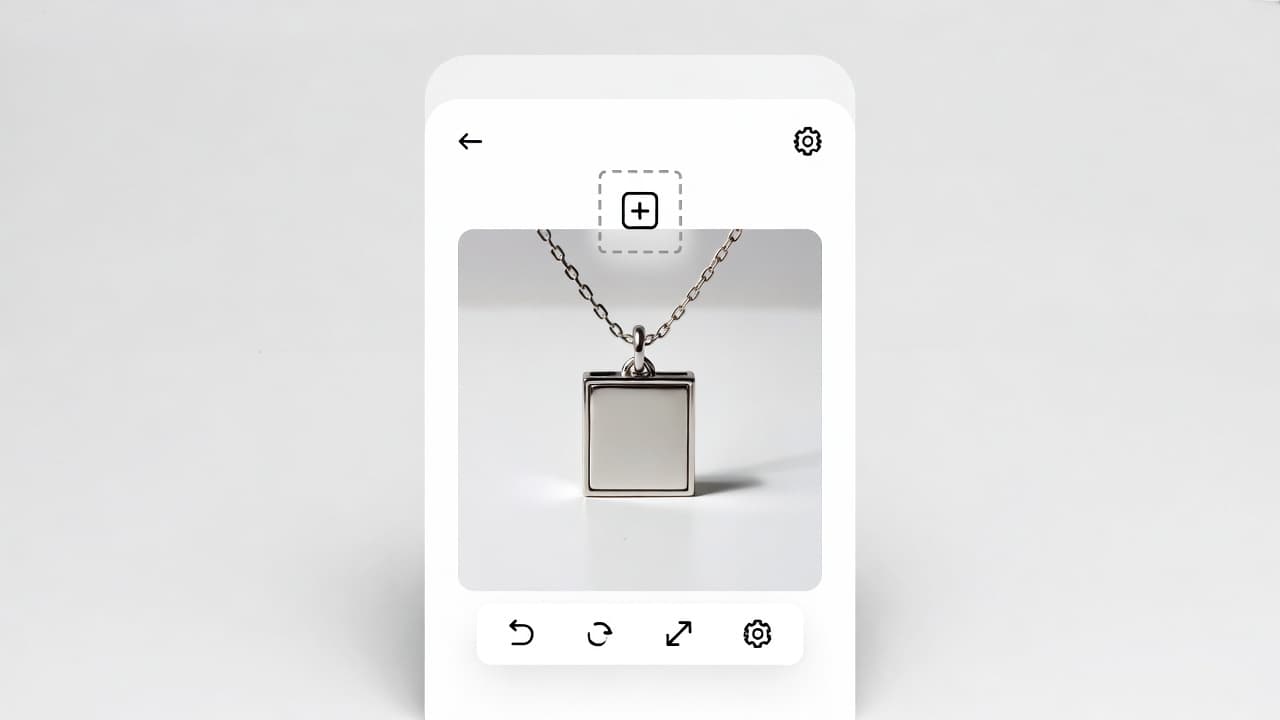
Upload Your Earring Photo
Upload product shots, catalog images, or ecommerce screenshots of earrings. Studs, hoops, dangles, and statement styles are all supported.
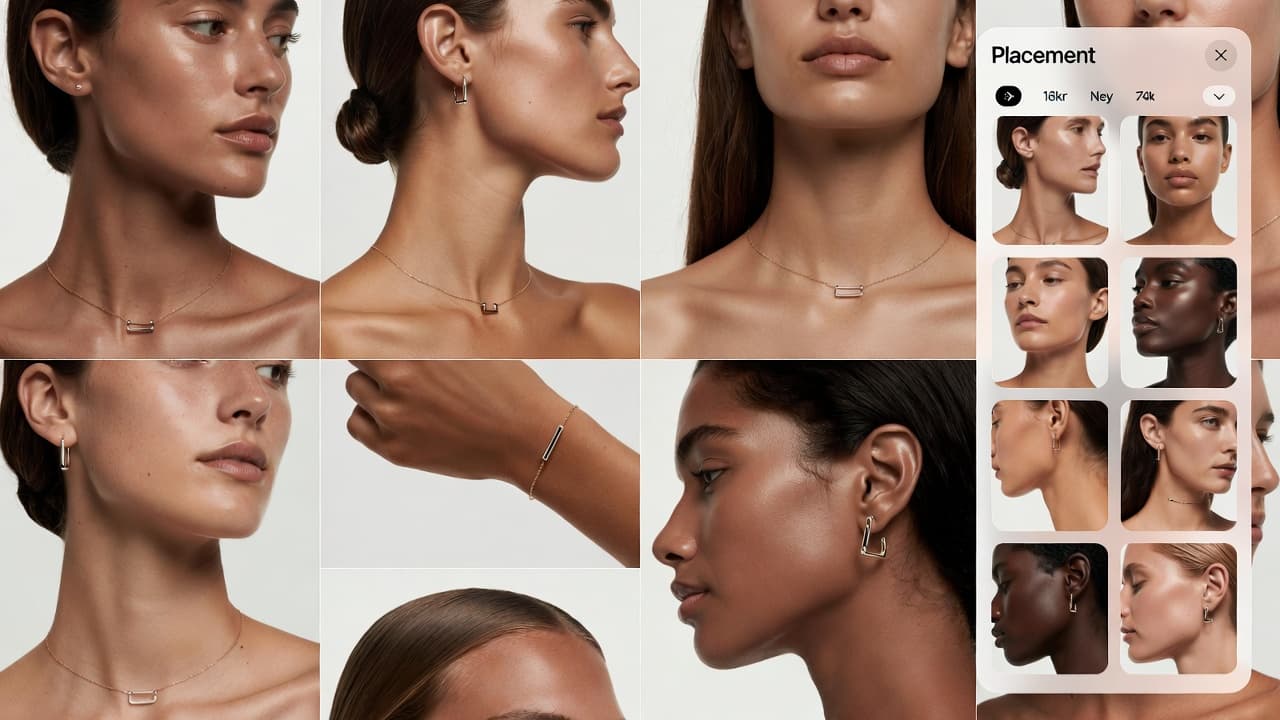
Choose Model and Placement
Select ear models with varied skin tones and hair styles, then test placements like lobe, helix, tragus, or stacked combinations.
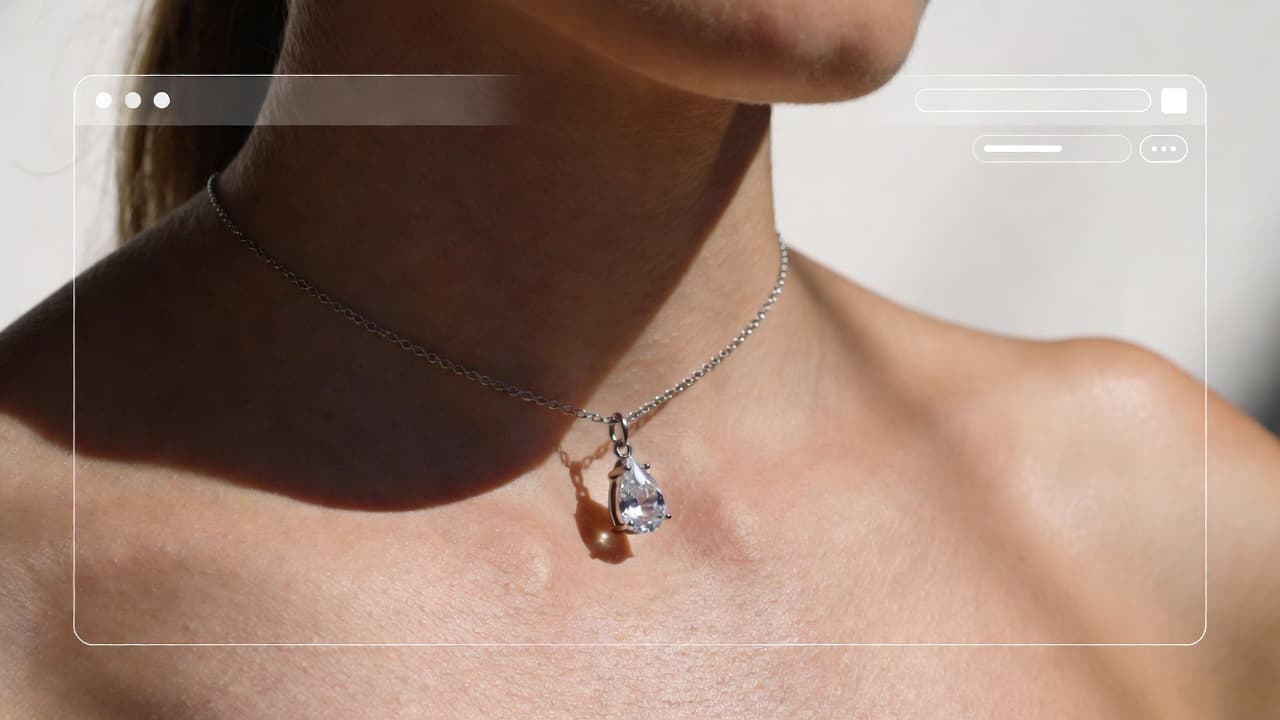
Get Realistic Preview
Generate high-resolution previews with natural position, angle, and reflections for shopping, product pages, or social content.
A practical way to preview earrings before purchasing or publishing product listings.
Why Use Virtual Earring Try On?
Explore all virtual try-on tools
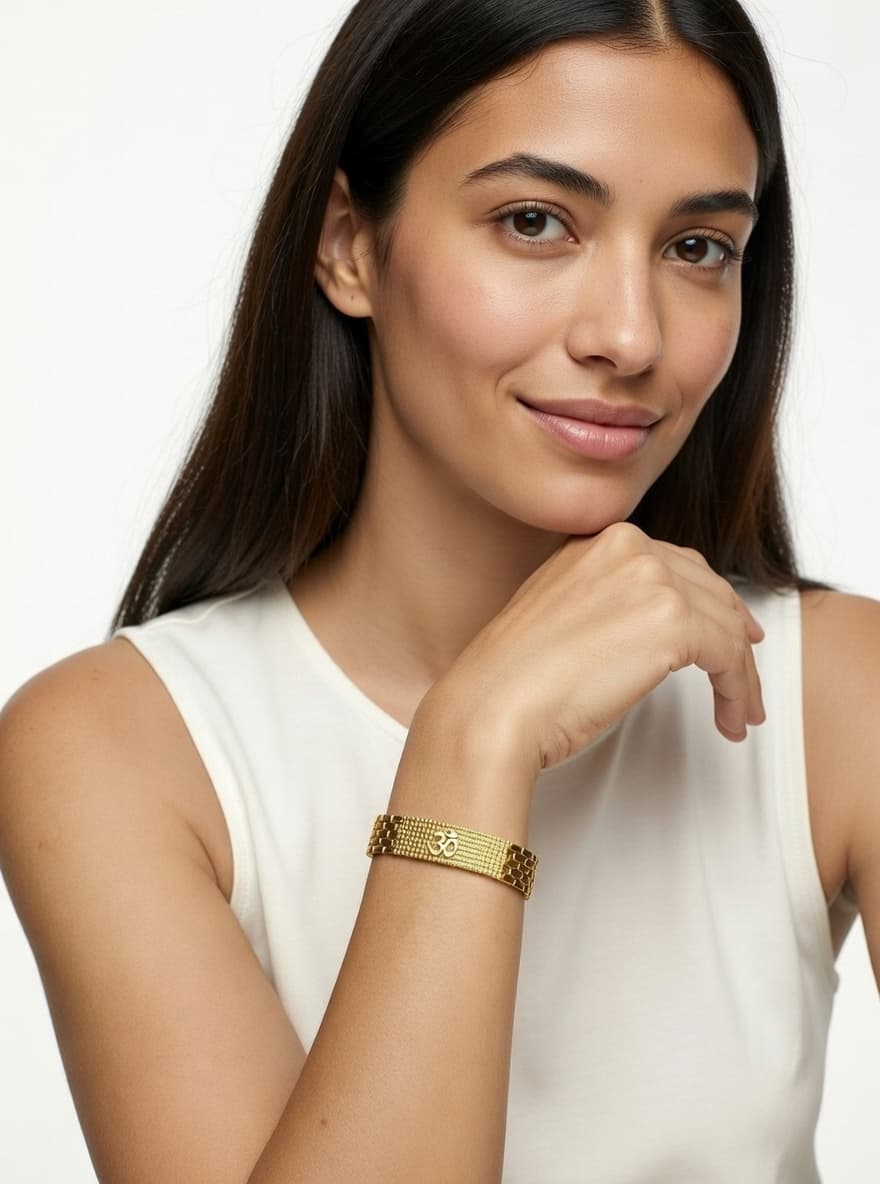
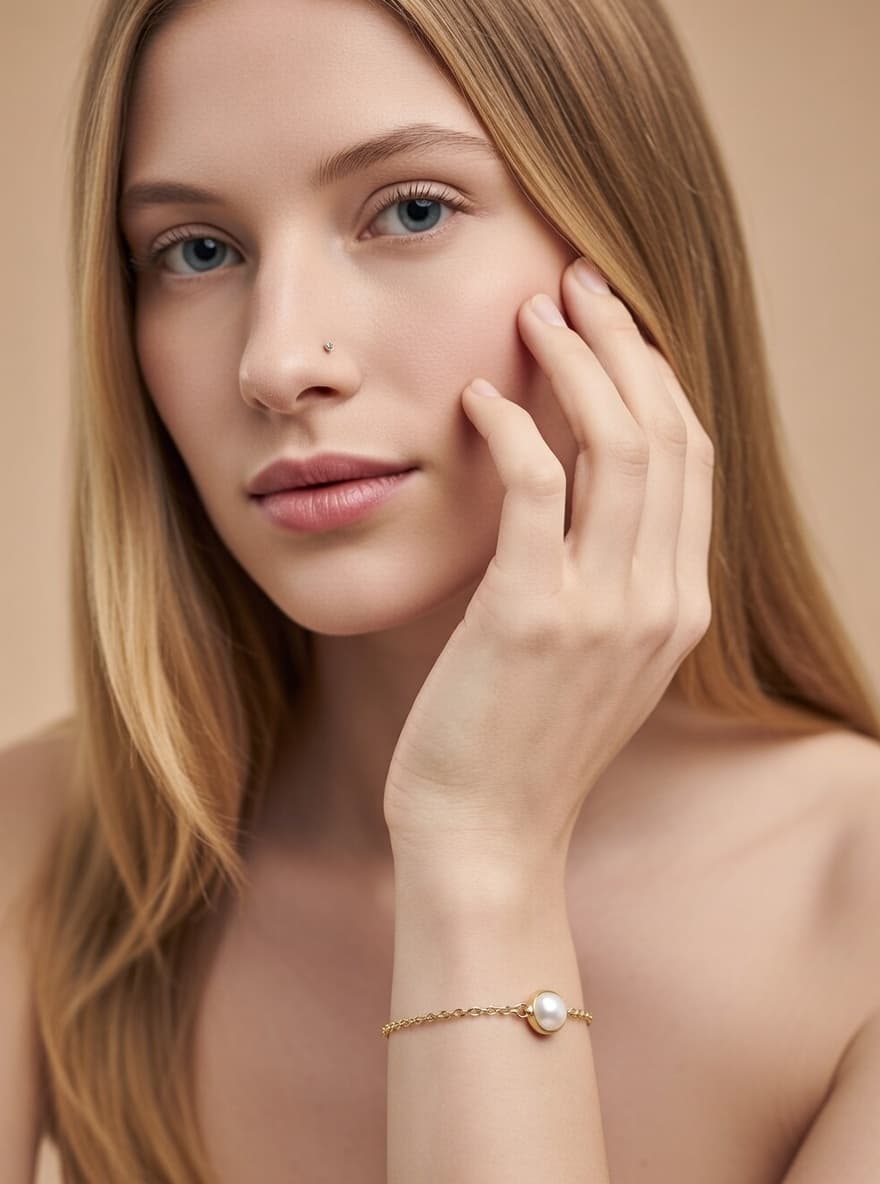
Use Cases
Who Uses Virtual Earring Try On?
From shoppers to jewelry brands, AI previews help reduce uncertainty and speed up decision-making
Online Jewelry Shoppers
Preview size, style, and placement before purchase so you can choose earrings with greater confidence.

Jewelry E-commerce Brands
Add virtual try-on previews to product pages to improve buyer confidence and reduce fit-related hesitation.
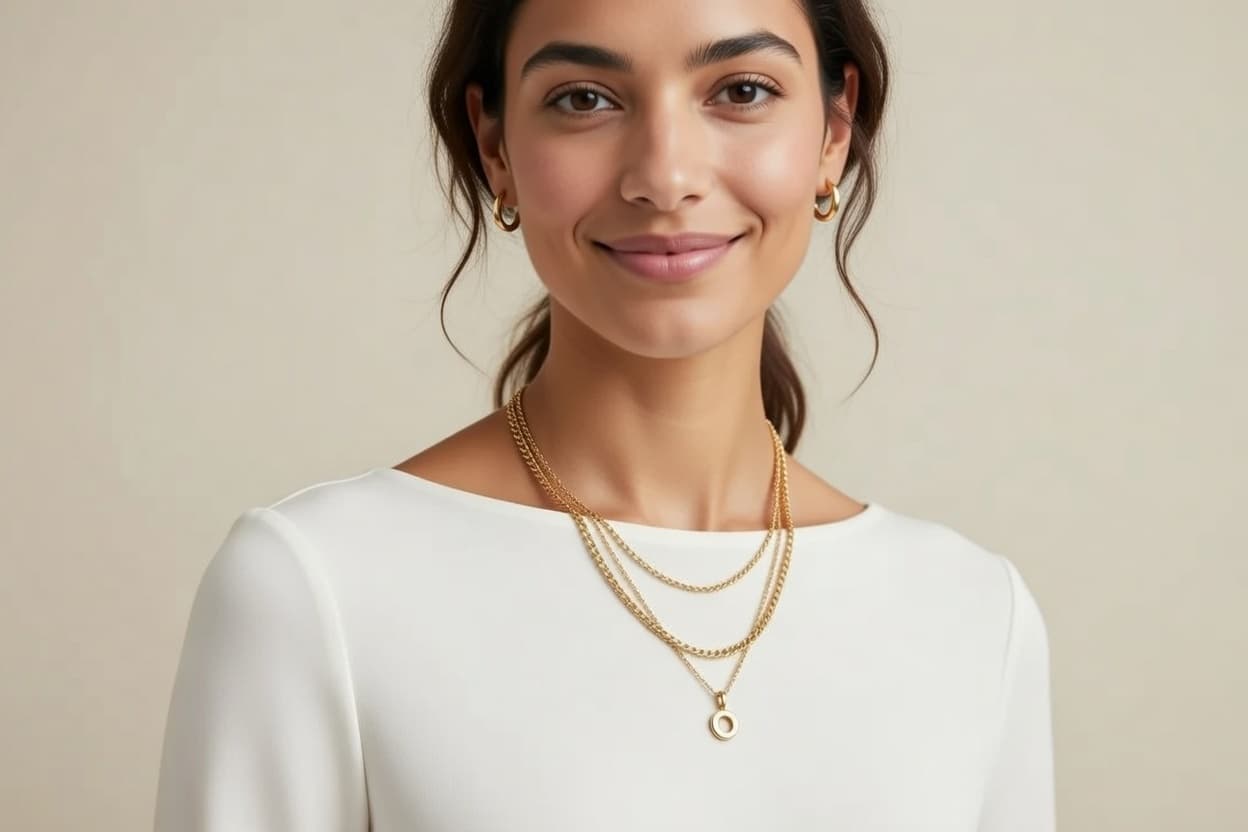
Piercing Studios and Stylists
Show potential placements to clients before appointments, making consultation and styling decisions faster.
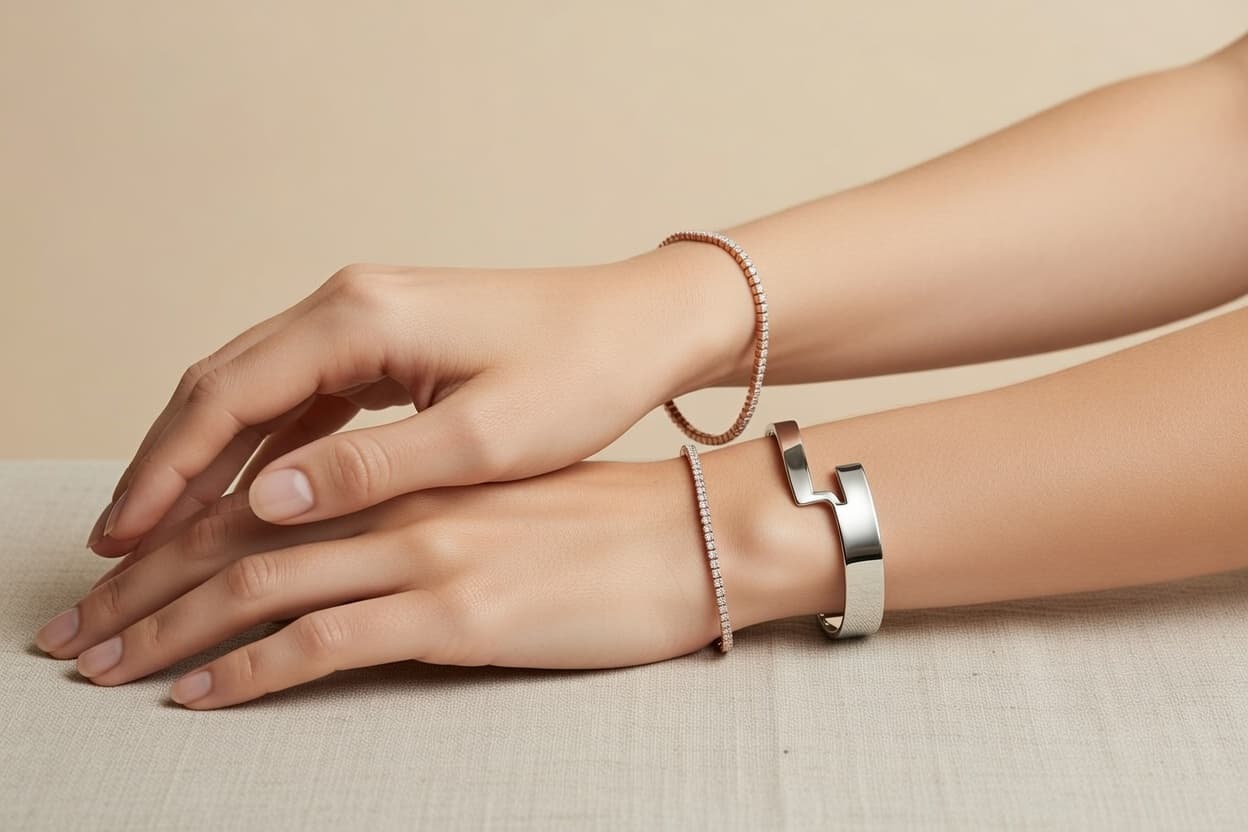
Jewelry Designers and Makers
Present custom designs on realistic ear models without arranging full model photoshoots.
Social Media Creators
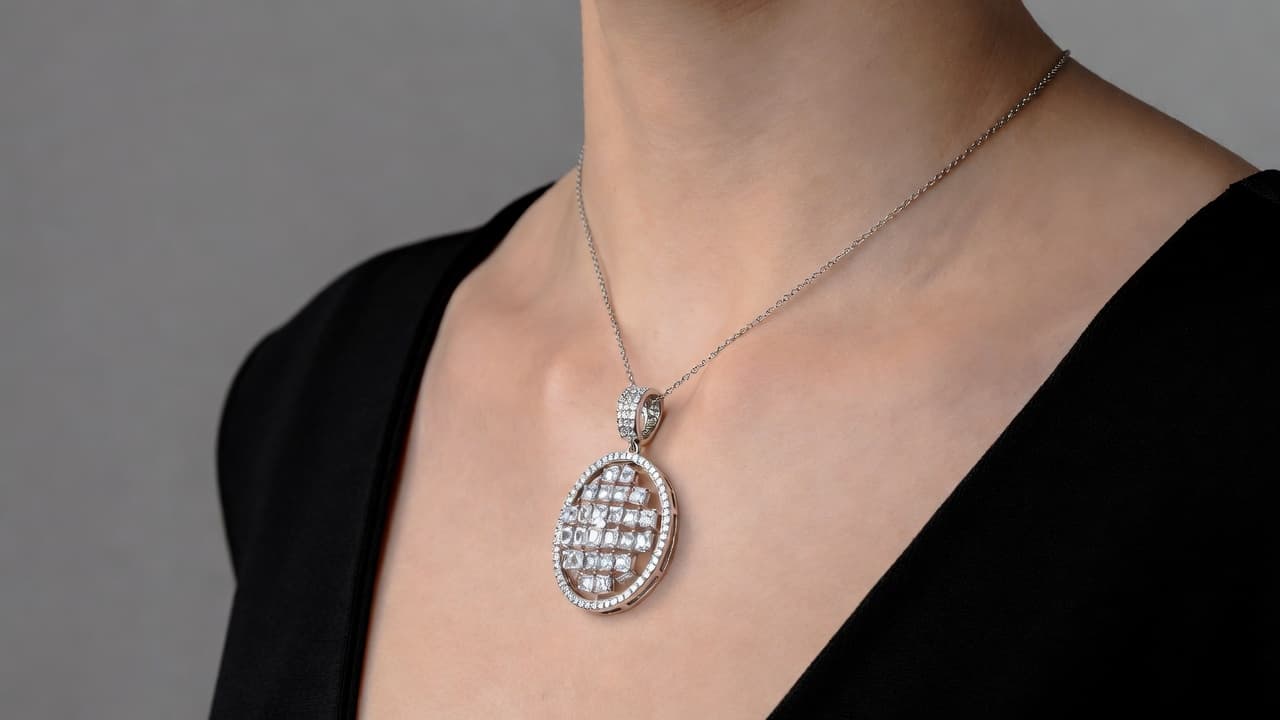
Create try-on comparison content for tutorials and style posts with consistent visual quality.

Wedding and Event Planners
Help clients coordinate earring choices with dress and hairstyle direction before the event.
Earring Try On FAQ
Everything you need to know about virtual earring preview generation. Need help? Contact support.
Previews are designed to look natural with placement-aware positioning, shadows, and size balance relative to the ear.
Yes. You can test common positions such as lobe, helix, tragus, and mixed multi-piercing combinations.
Studs, hoops, huggies, drops, dangles, chandeliers, threaders, and cuffs are commonly supported.
Yes, as long as image quality is clear enough for the model to detect shape and details.
Yes. Try-on visuals can improve product understanding and support conversion-focused shopping experiences.
Most outputs are generated quickly, with timing based on image complexity and selected options.
Try out related tools
Use our AI tools to generate, edit, and enhance product and marketing imagery across your workflow.