
Virtual Bracelet
Try On
AI Wrist Jewelry Visualizer and Bracelet Stacking Tool
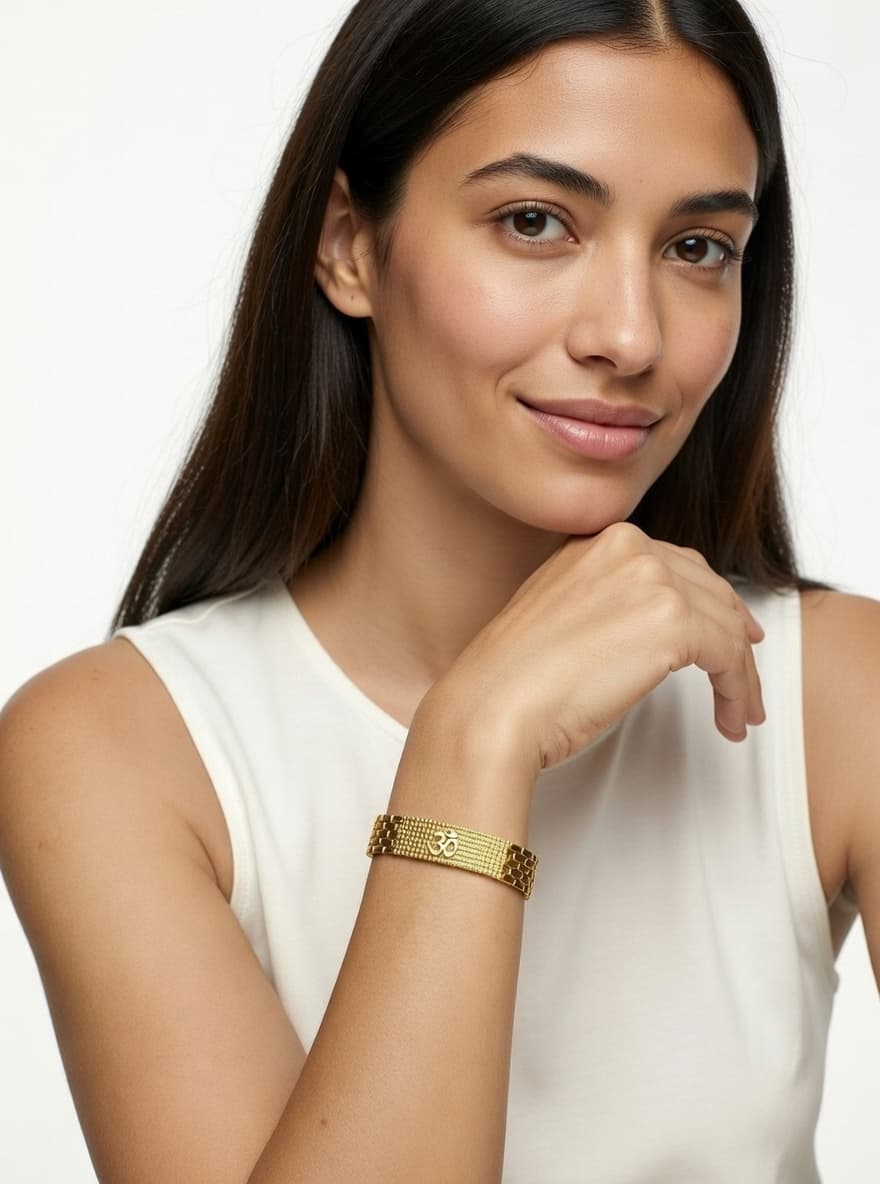
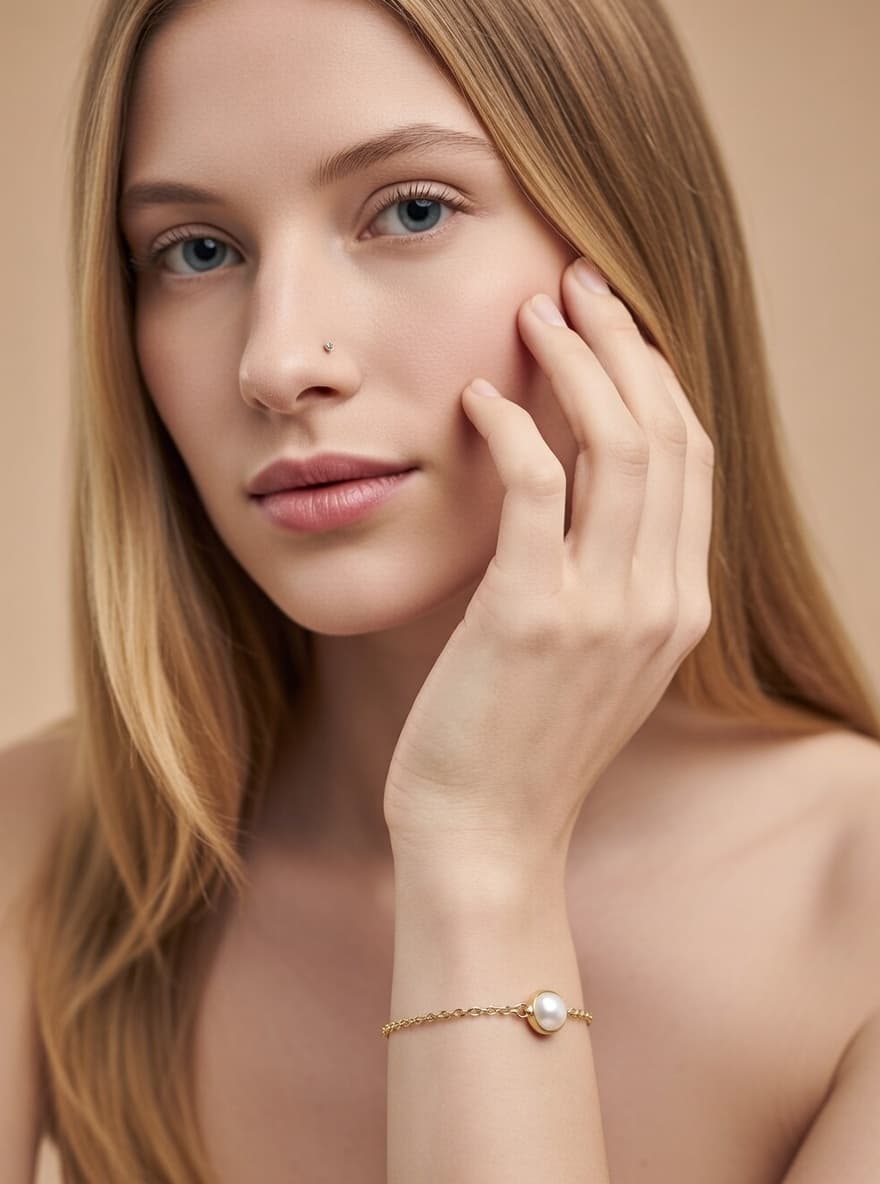
Preview bracelet fit and style before you buy. Visualize tennis bracelets, bangles, cuffs, chains, and charm bracelets on different wrist sizes with realistic placement and drape.
Visualize Your Bracelet
How Bracelet Try On Works
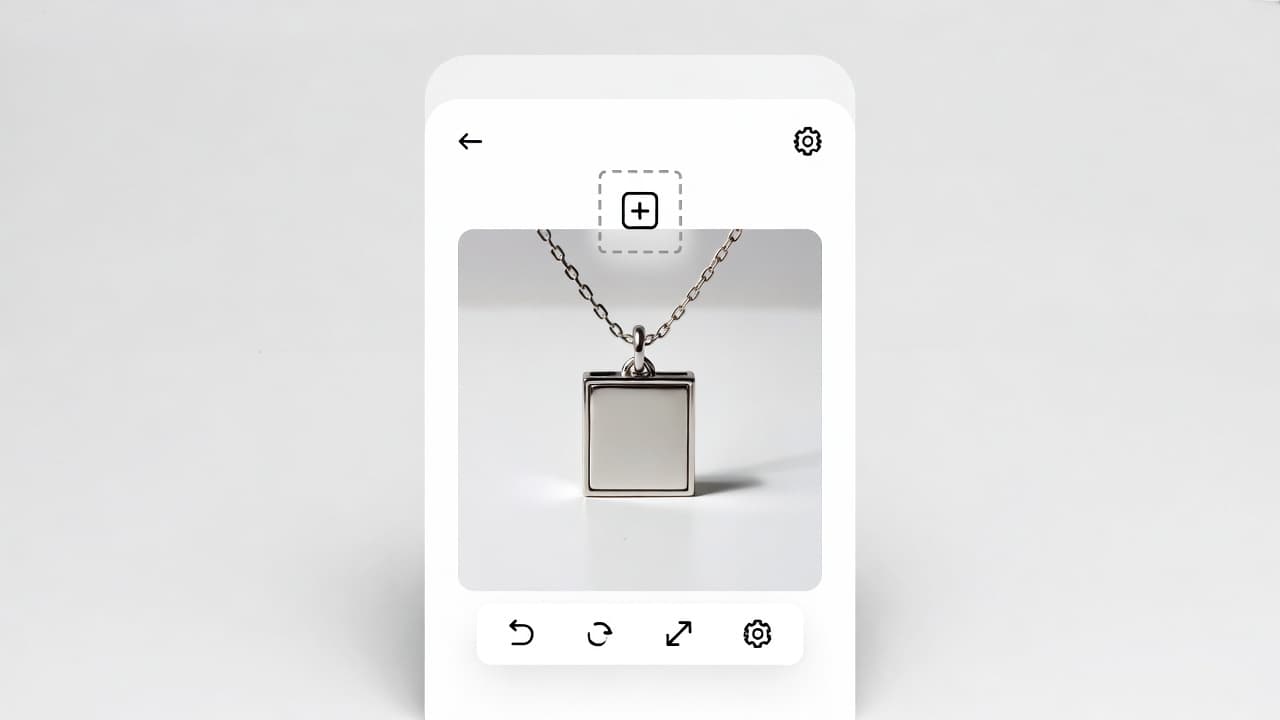
Upload Bracelet Image
Upload tennis bracelets, bangles, cuffs, chains, or charm styles. AI reads size, width, and structure for placement.
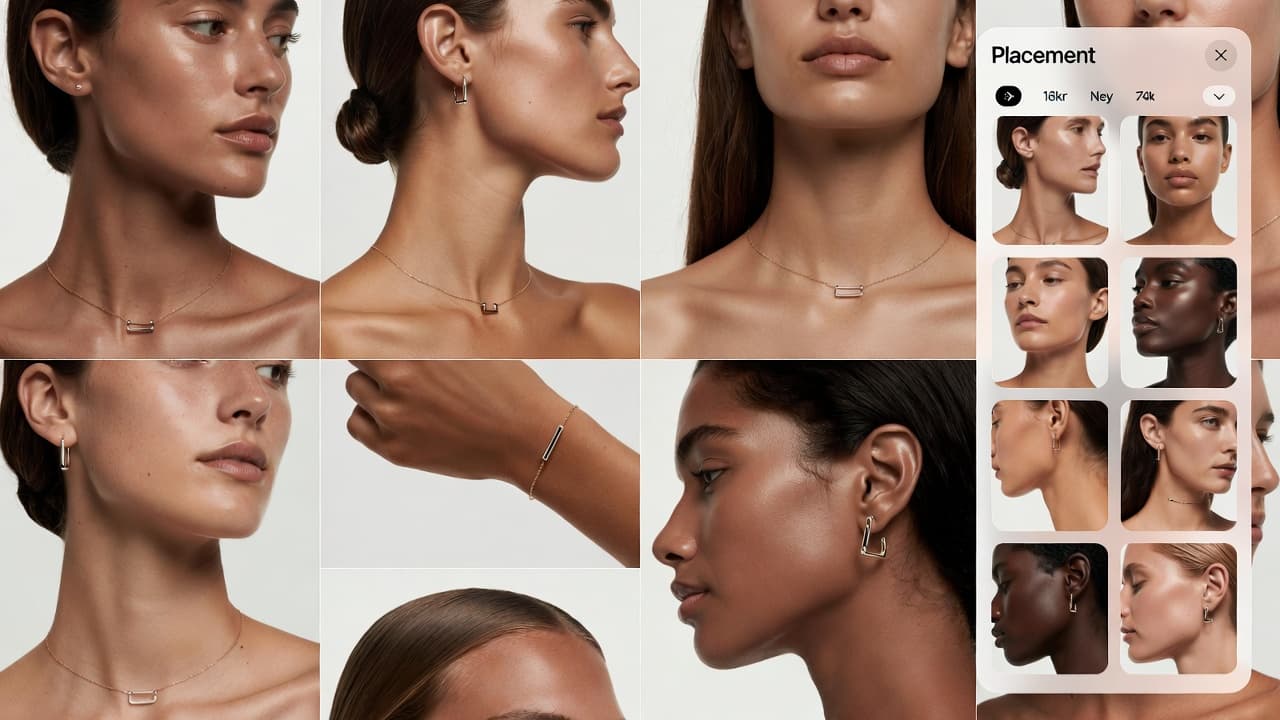
Select Wrist Model
Choose from varied wrist sizes, skin tones, and styling contexts to compare how the same bracelet appears across profiles.
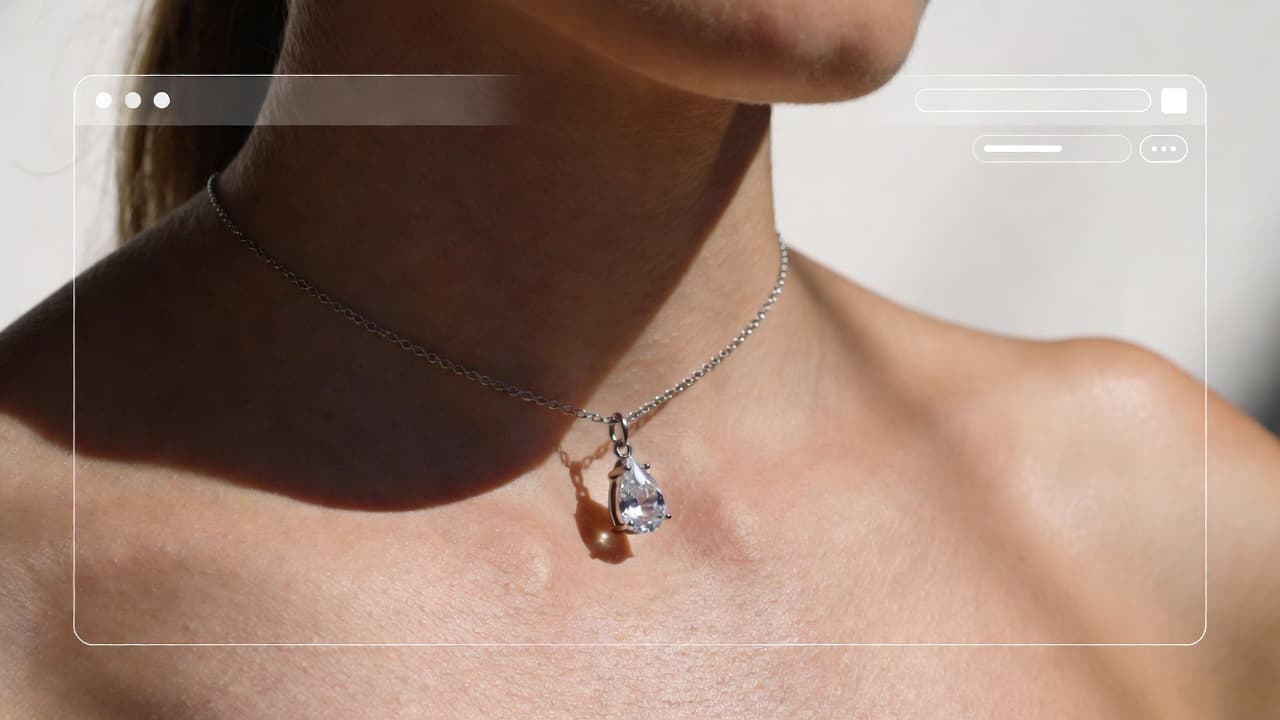
Get Realistic Wrist Preview
Generate previews with natural drape, scale, and shadow behavior to evaluate fit and style with higher confidence.
A practical way to choose wrist jewelry fit, stack combinations, and style direction before purchasing.
Why Use Virtual Bracelet Try On?
Explore all virtual try-on tools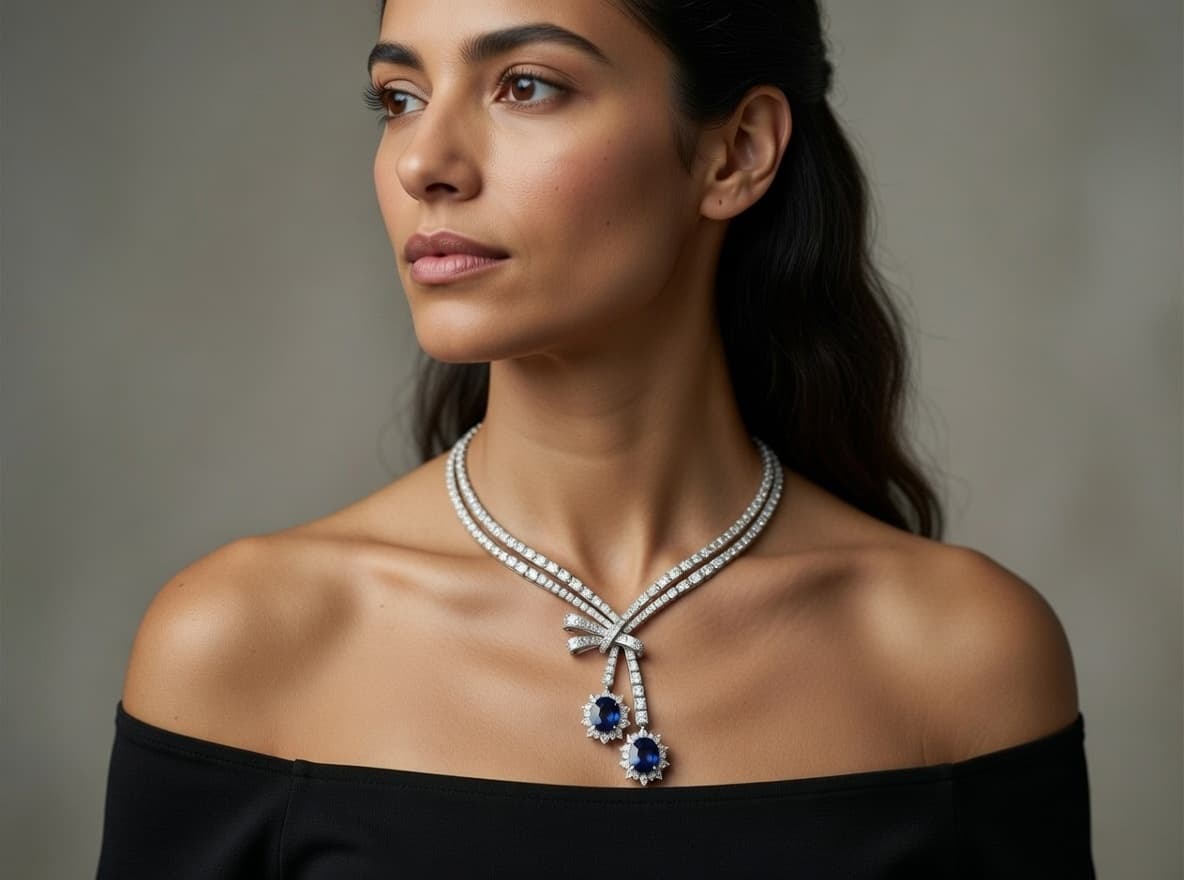
Use Cases
Who Uses Bracelet Try On?
From everyday shoppers to ecommerce stores, bracelet previews help reduce sizing guesswork and improve selection confidence
Tennis Bracelet Shopping
Preview width and visual scale across wrist sizes before committing to high-value bracelet purchases.

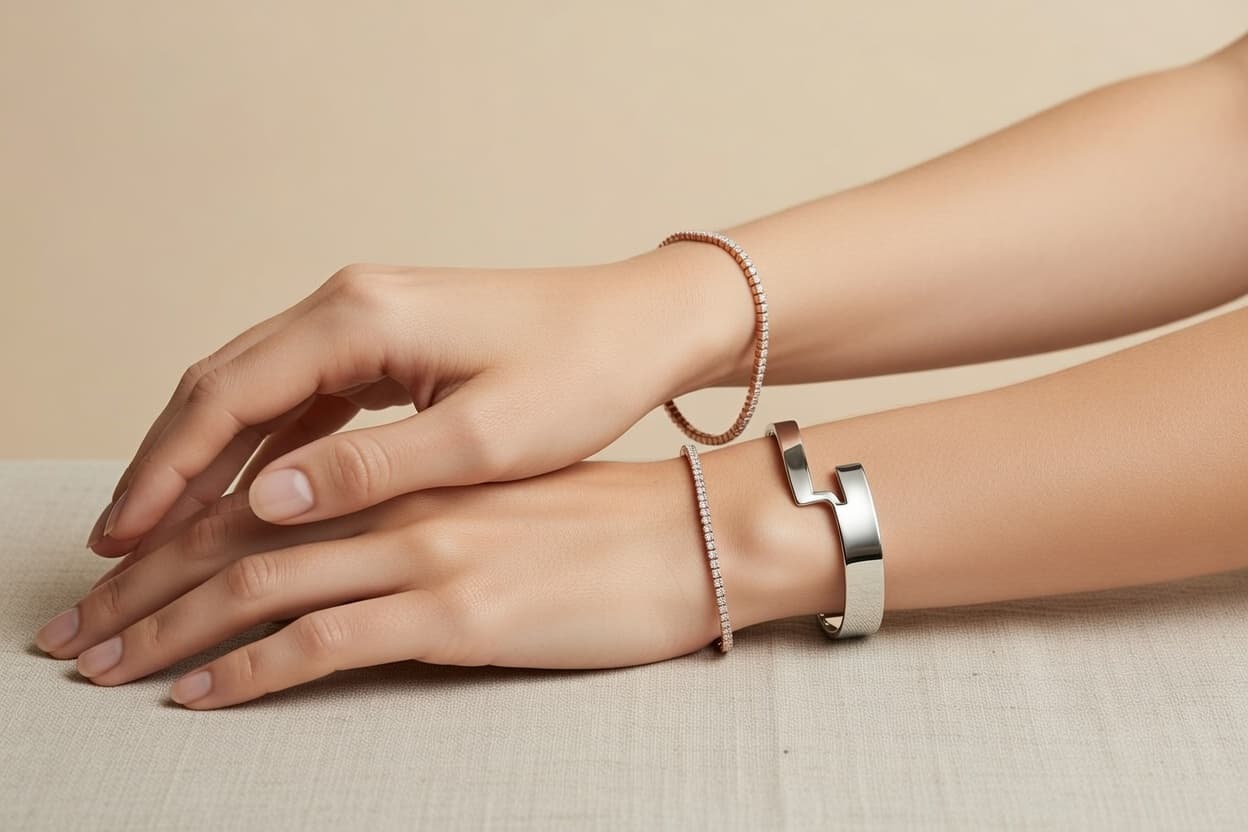
Bangle Stacking
Compare layered combinations to find balanced mixes of widths, finishes, and style tones.
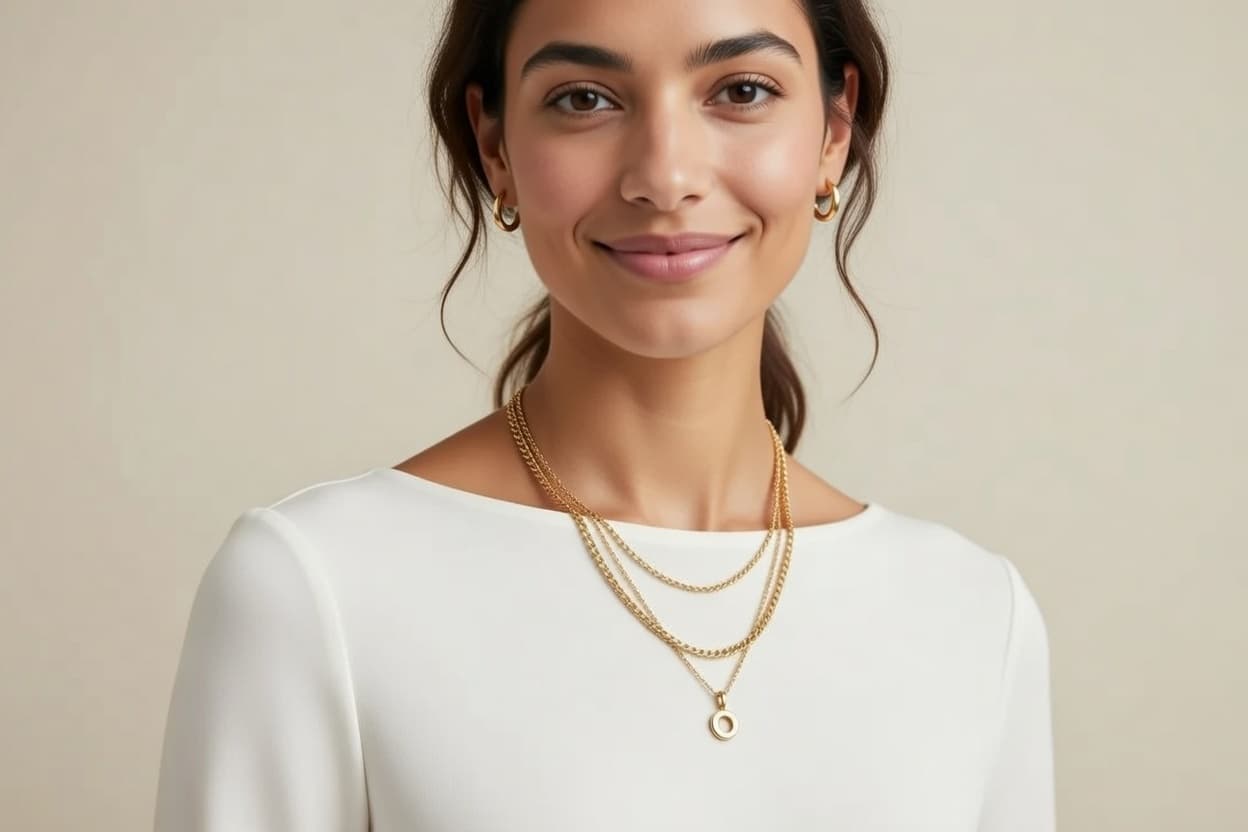
Watch and Bracelet Pairing
Test bracelet options with watches to build coordinated wrist stacks without overcrowding.
Gift Shopping
Use wrist-based previewing to choose bracelet fit and style more confidently when buying for someone else.
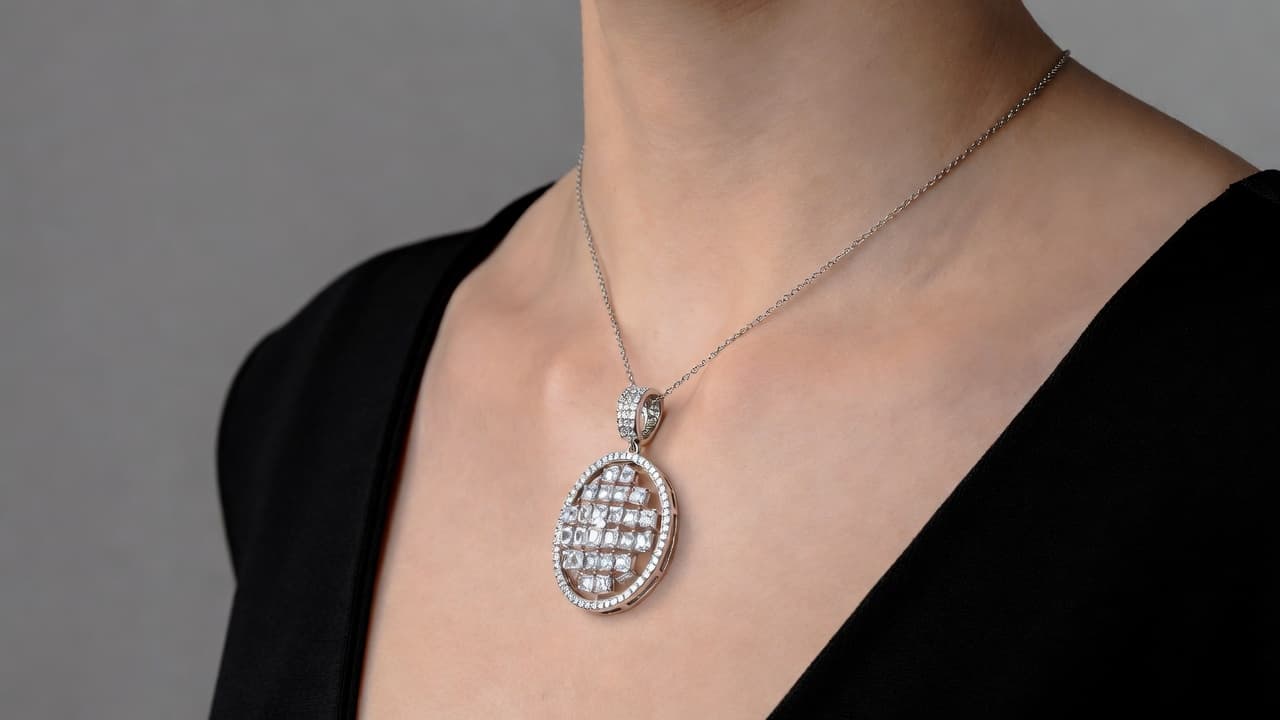
Jewelry E-commerce Stores
Help customers visualize fit and styling online to reduce uncertainty and improve purchase confidence.
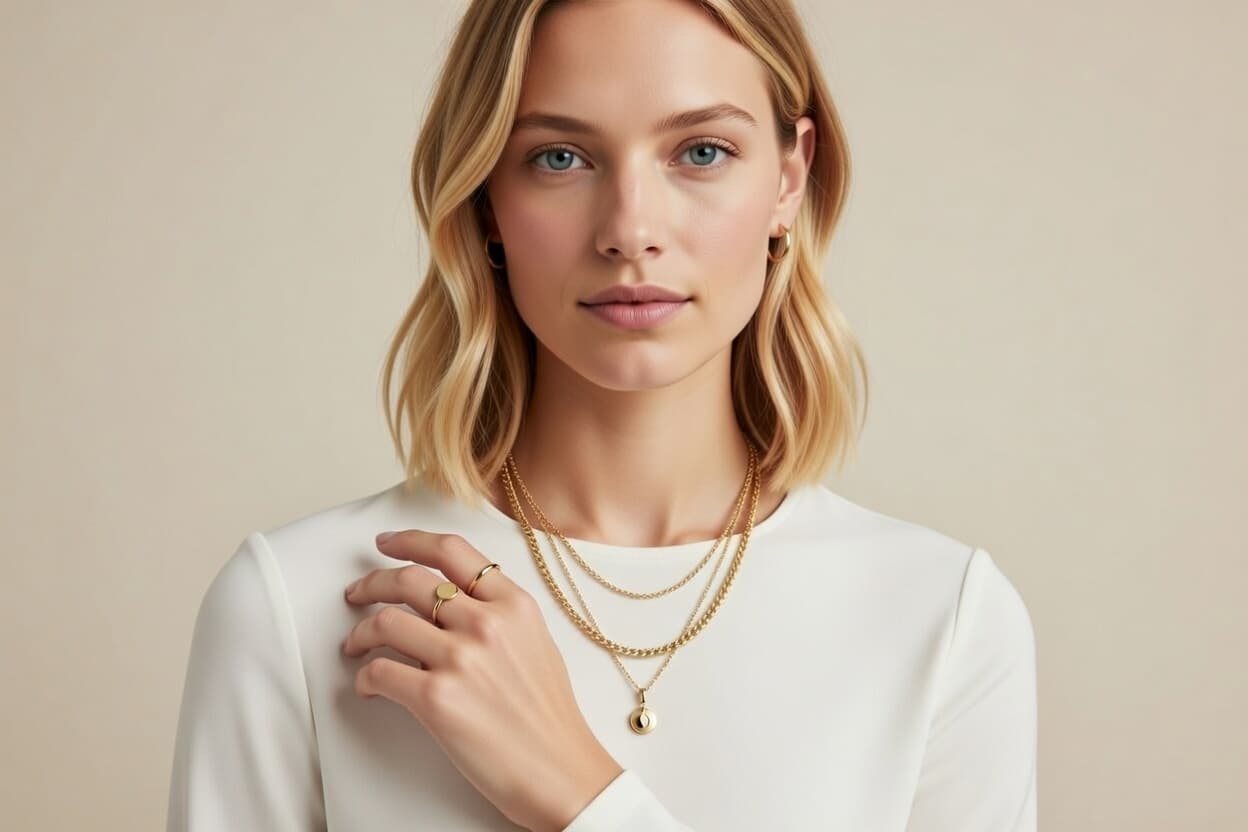
Charm Bracelet Planning
Preview charm-heavy combinations and evolving stacks as new elements are added to a bracelet design.
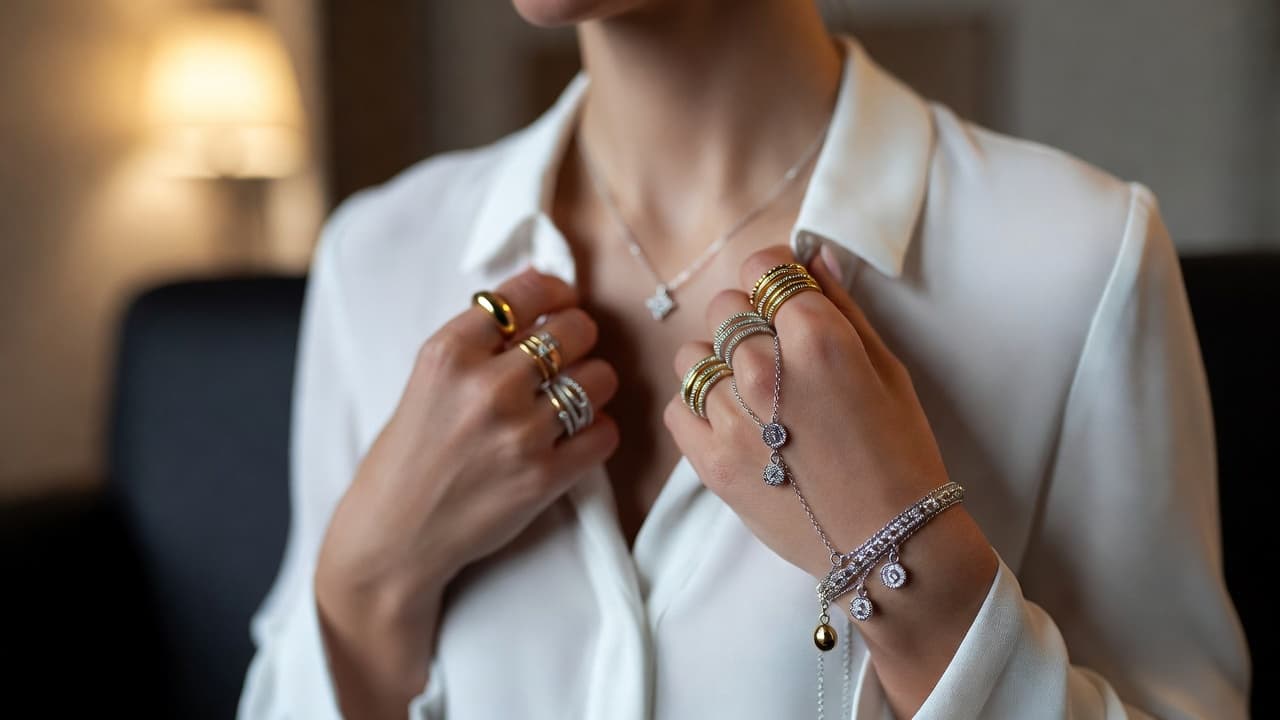
Bracelet Try On FAQ
Common questions about virtual bracelet visualization. Need more help? Contact support.
Yes. The tool is designed to approximate fit appearance across different wrist sizes and bracelet dimensions.
Yes. Fixed-shape bangle styles can be previewed to evaluate visual fit and stack compatibility.
Yes. Layered bracelet combinations can be generated for styling comparisons.
Yes. Watch-and-bracelet combinations can be tested to find balanced stack composition.
Width is rendered relative to wrist scale to support practical side-by-side comparison between bracelet options.
Yes. It reduces uncertainty around fit and proportion before purchase.
Try out related tools
Use our AI tools to generate, edit, and enhance product and marketing imagery across your workflow.