
Free AI
Bag Photography
Professional Bag Photos Without Studios
Transform handbags, backpacks, totes, and luggage into polished product visuals. AI improves materials, hardware detail, and visual styling for ecommerce and campaign-ready bag imagery.
Start creating professional bag photos with AI
How to Create AI Bag Photography
Upload Bag Image
Upload handbag, tote, backpack, luggage, and accessory bag images from common product-shot angles.
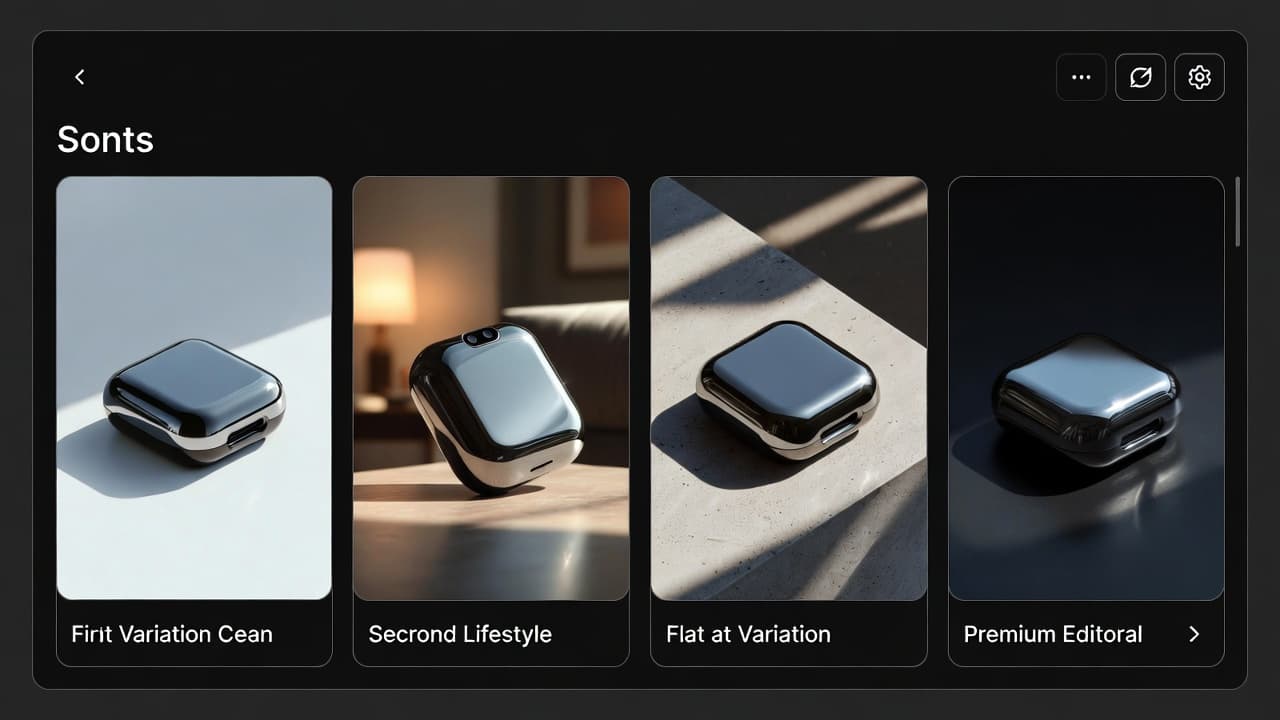
Choose Display Style
Pick studio, lifestyle, flat-lay, or fashion-focused visual direction to match your brand and channel.
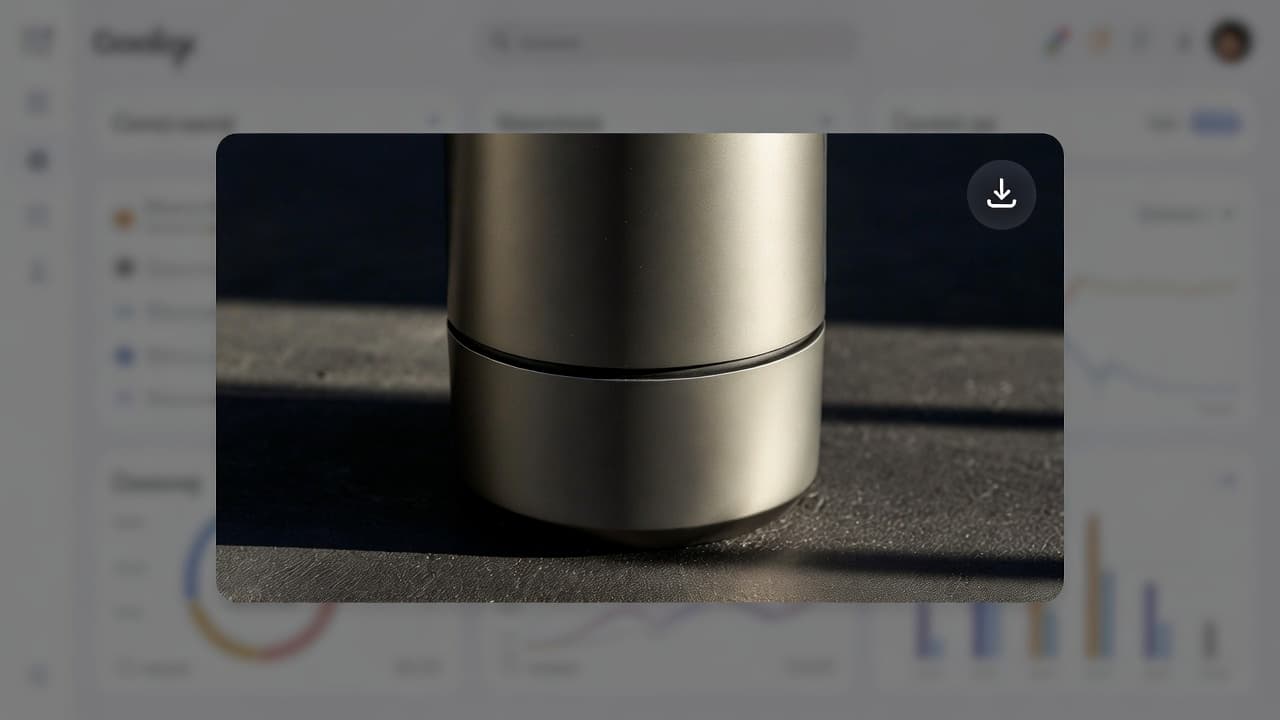
Download Elegant Photos
Generate polished bag visuals quickly for ecommerce listings, marketplaces, campaigns, and social channels.
Professional handbag and luggage imagery without expensive fashion photography workflows.
Why Choose AI for Bag Photography
Explore all virtual try-on tools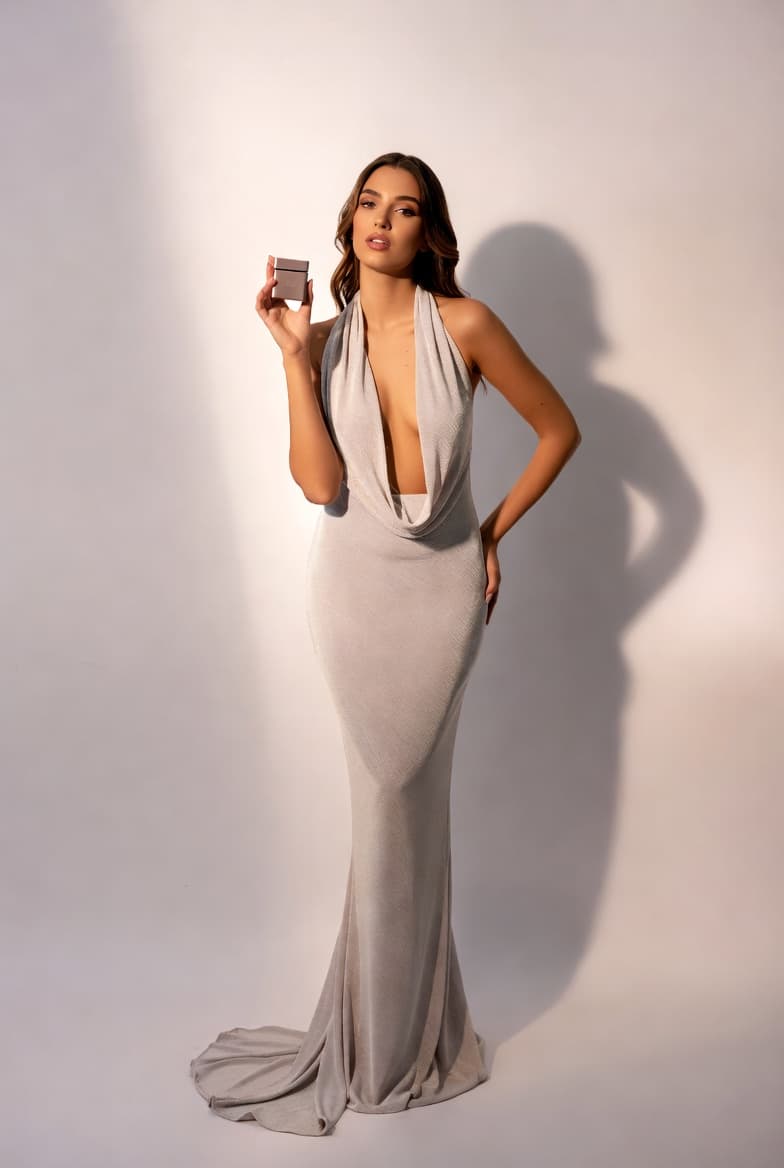
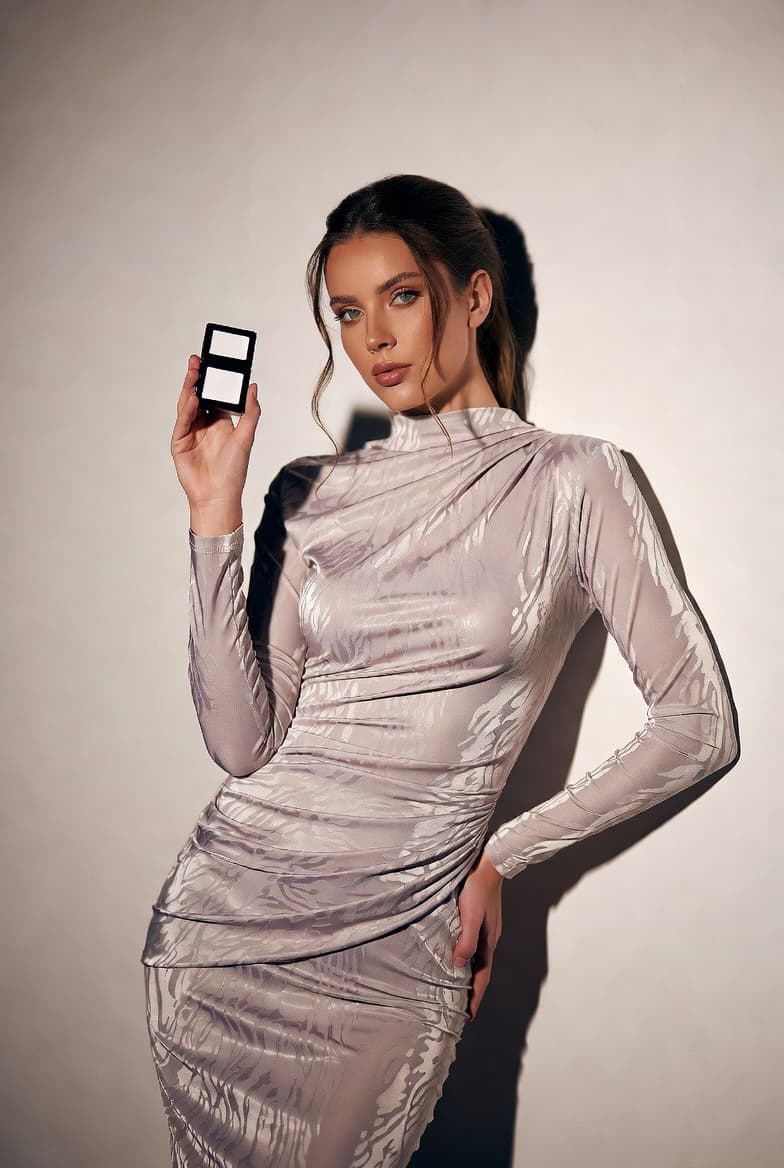
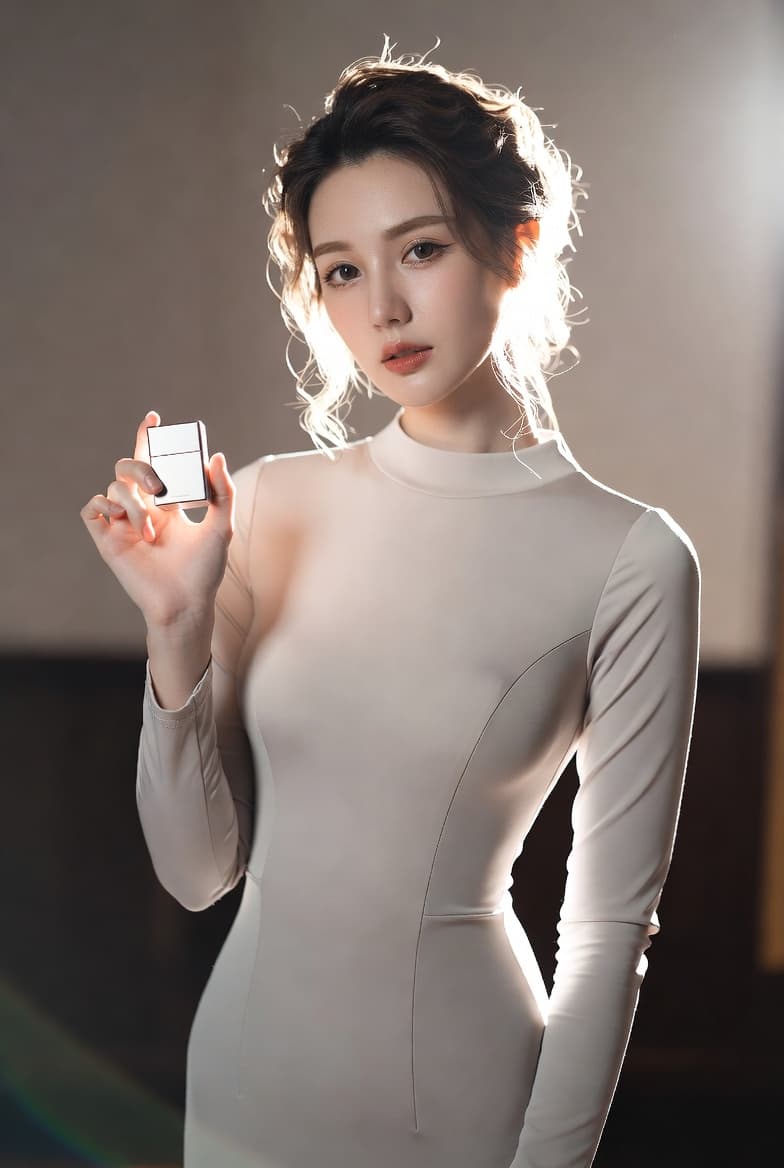
Use Cases
Who Uses AI for Bag Photography?
From handmade sellers to luxury resellers, AI helps scale consistent and polished bag imagery
Handbag Designers
Show designer bags with premium visuals for launches, ecommerce collections, and fashion campaigns.
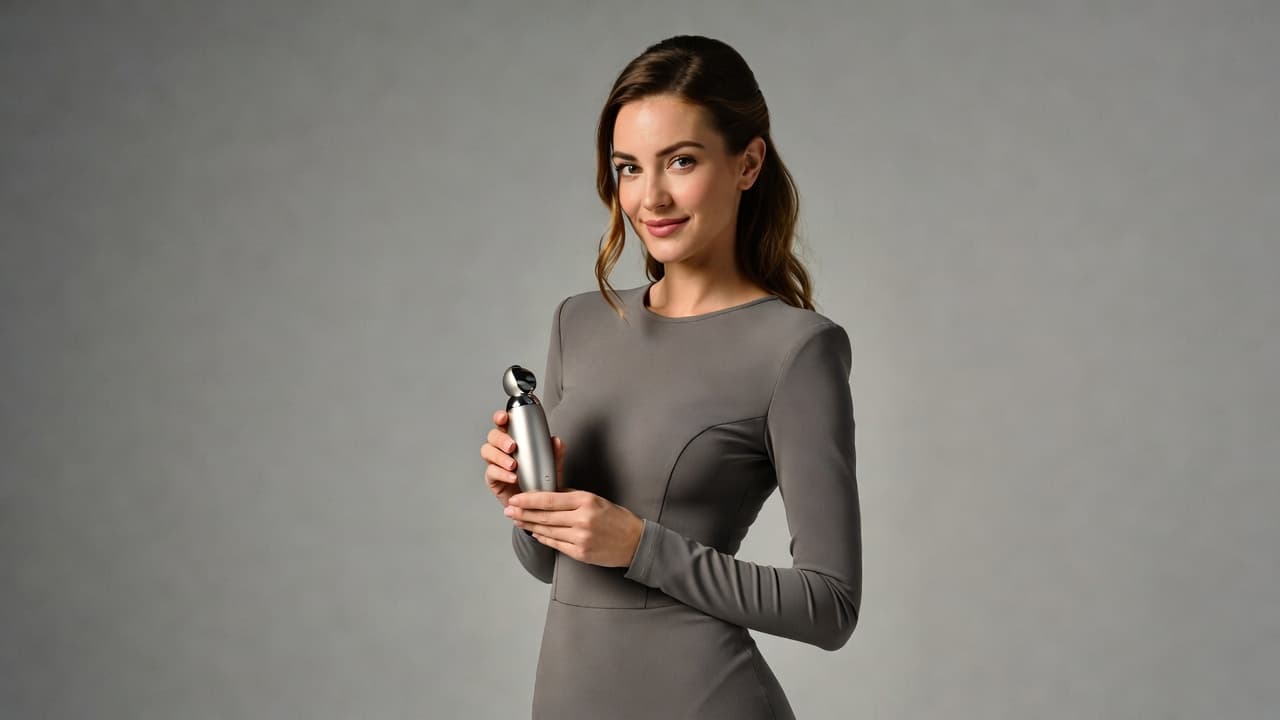
Luxury Resellers
Present pre-owned luxury bags with cleaner visuals that increase buyer trust and listing performance.
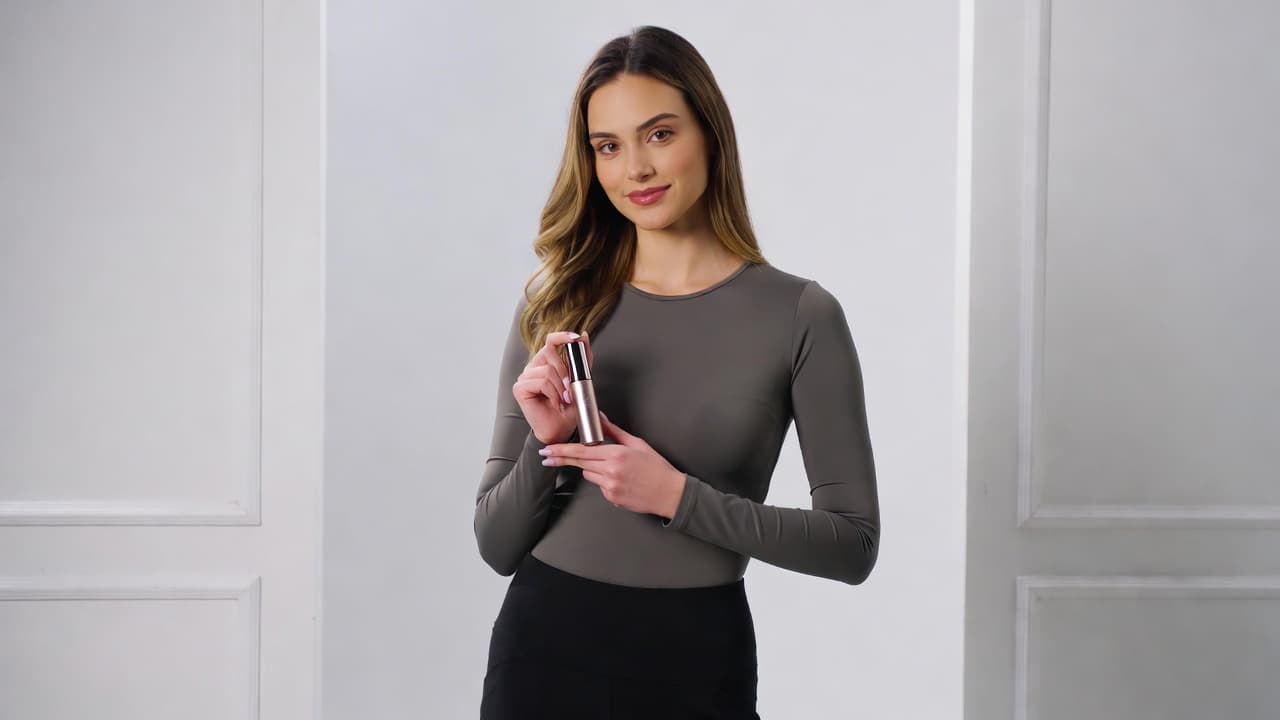
Backpack and Travel Brands
Create travel and lifestyle product imagery for backpacks, luggage, and carry solutions across collections.
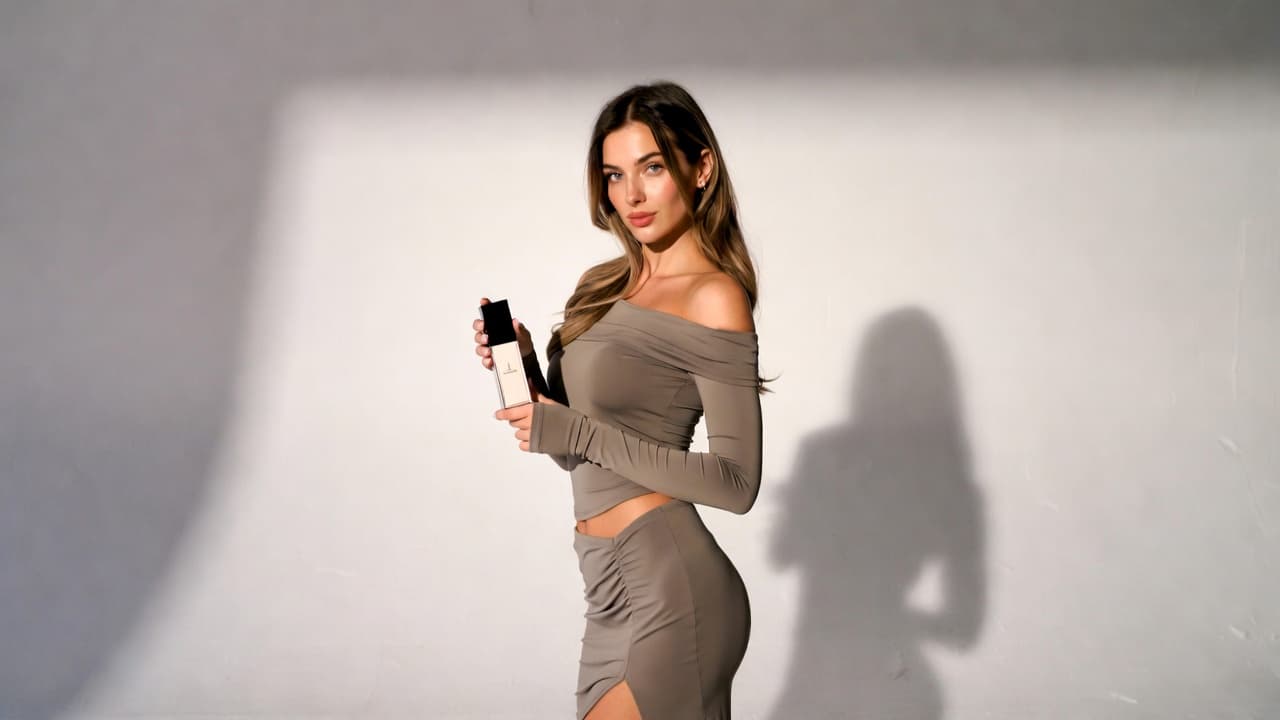
Fashion Accessory Retailers
Generate consistent visuals for large bag catalogs across marketplaces and direct-to-consumer storefronts.
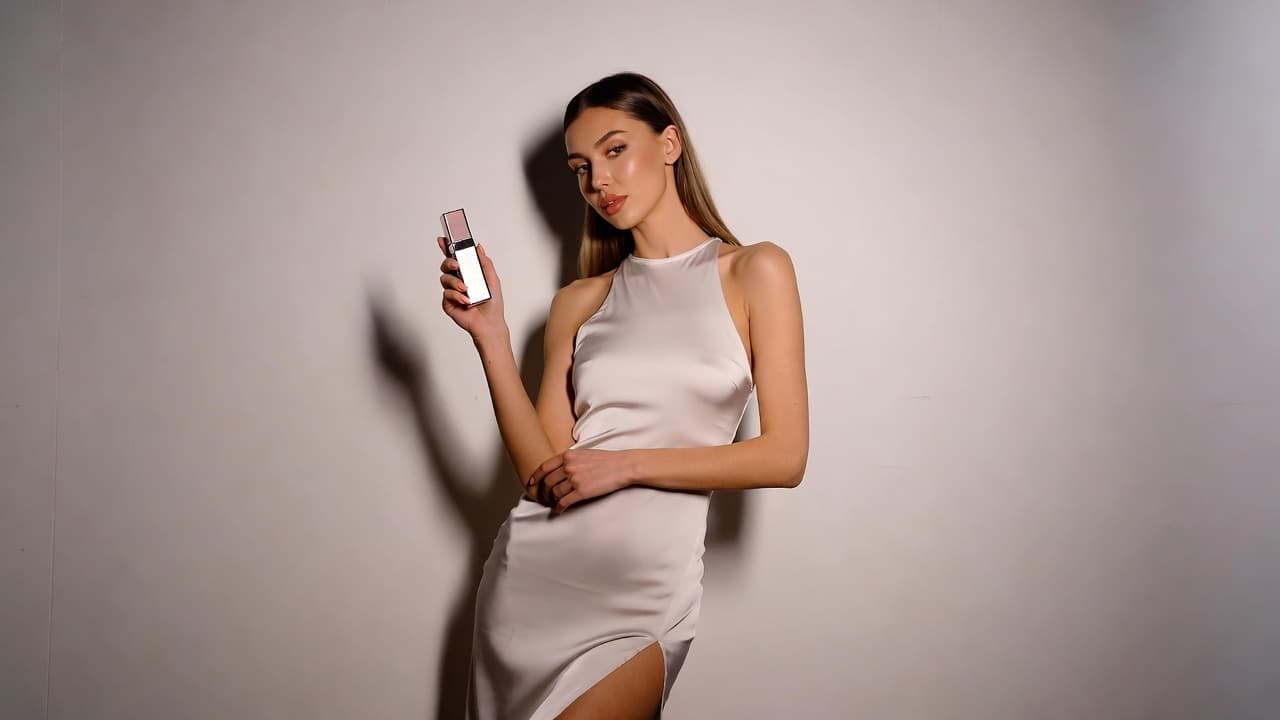
Handmade Bag Artisans
Show handmade quality and craftsmanship professionally on Etsy and craft-focused sales channels.
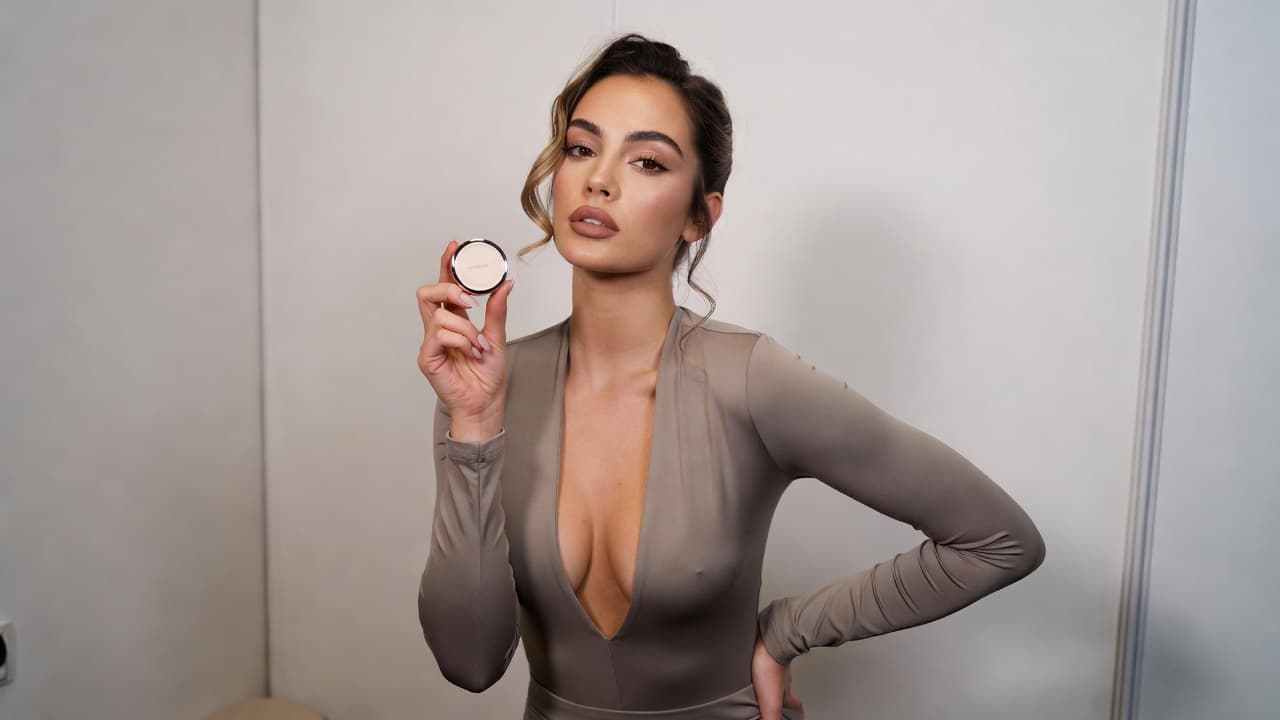
Corporate Gift Suppliers
Create catalog-ready visuals for promotional and corporate bag products with consistent presentation quality.
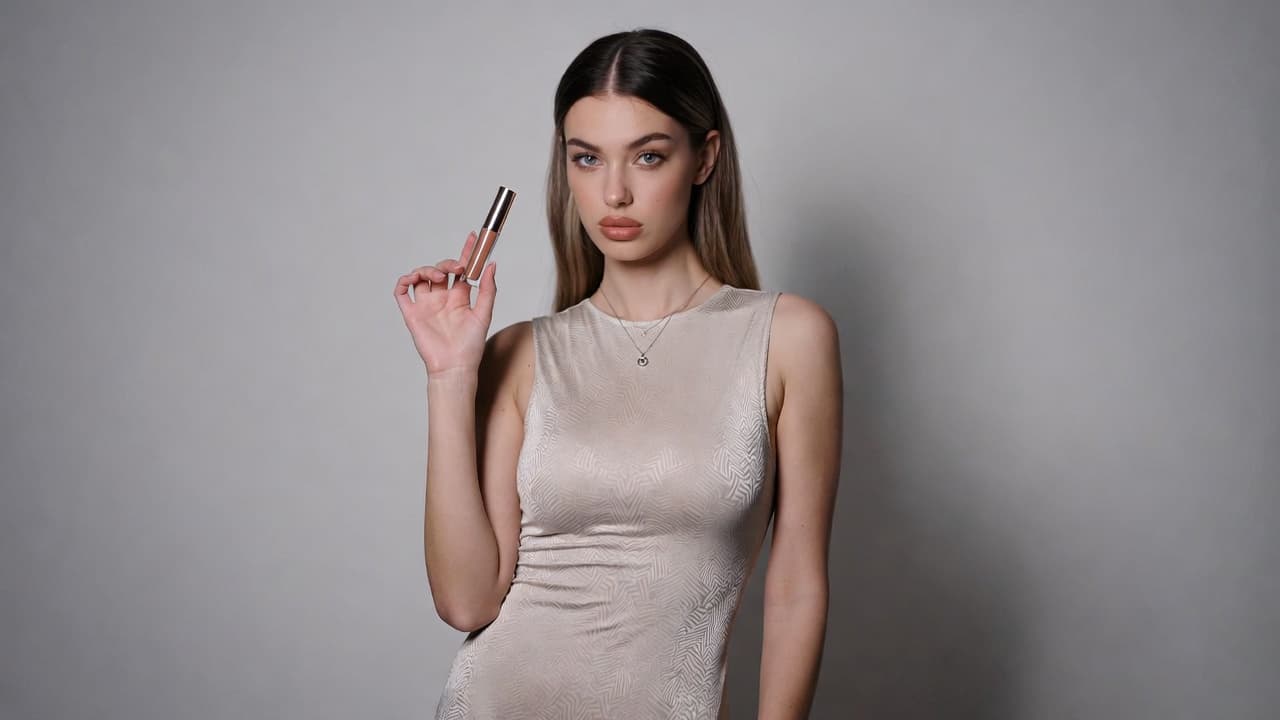
Bag Photography FAQ
Common questions about AI bag photography. Need more help? Contact support.
Interior-focused shots can be supported when input images clearly show compartment and lining details.
Handbags, backpacks, totes, luggage, clutches, and many accessory bag categories are commonly supported.
Yes. The workflow is designed to preserve product form and silhouette for realistic, catalog-friendly presentation.
Leather grain, fabric weave, and finish details can be enhanced to improve visual clarity and perceived quality.
Most outputs are generated quickly, with timing influenced by image complexity and selected scene direction.
Yes. Lifestyle and fashion-oriented scene directions are available for campaigns, social content, and lookbooks.
Try out related tools
Use our AI tools to generate, edit, and enhance product and marketing imagery across your workflow.